
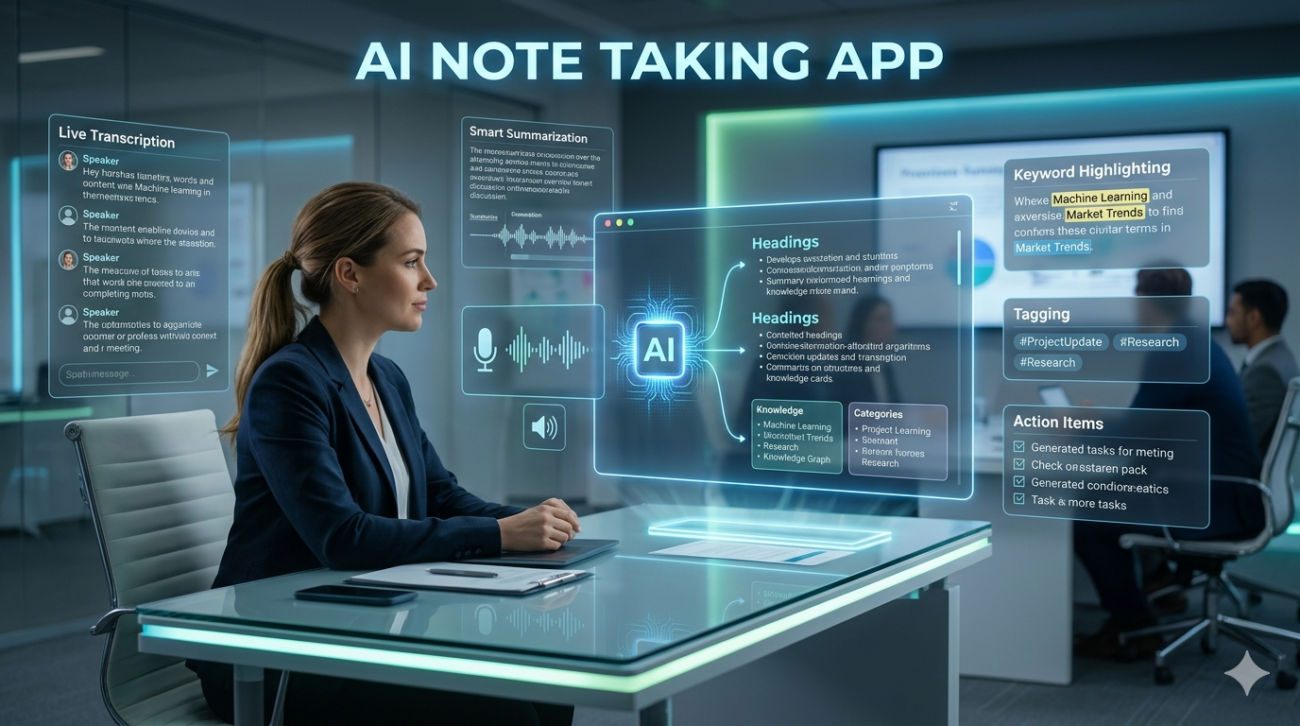
If you’ve spent the last few years juggling meetings, research papers, classroom lectures, and creative brainstorming sessions, you already know the pain: by the end of the day your note book digital or papers a jumble of half‑remembered quotes, scattered timestamps, and lost ideas. Enter AI note‑taking apps: software that claims to listen, transcribe, summarize, and organize your thoughts while you focus on the real work. At first glance, the marketing looks too good to be true: Automatic transcription + smart summaries + search‑able knowledge base all in one app.
After testing a dozen of these tools across research labs, remote‑team meetings, and university classrooms, I can say one thing with confidence they are not all created equal. Some genuinely free up mental bandwidth; others add noise and hidden friction. This article is based on hands‑on use over the past 18 months from recording graduate‑level seminars to capturing client calls for a consulting firm and draws on real performance data, user pain points, and ethical trade‑offs. My goal: help you separate hype from hardware‑level utility, so you can choose (or build) an AI note‑taking app that serves your workflow instead of hijacking it.
How AI Note‑Taking Apps Actually Work
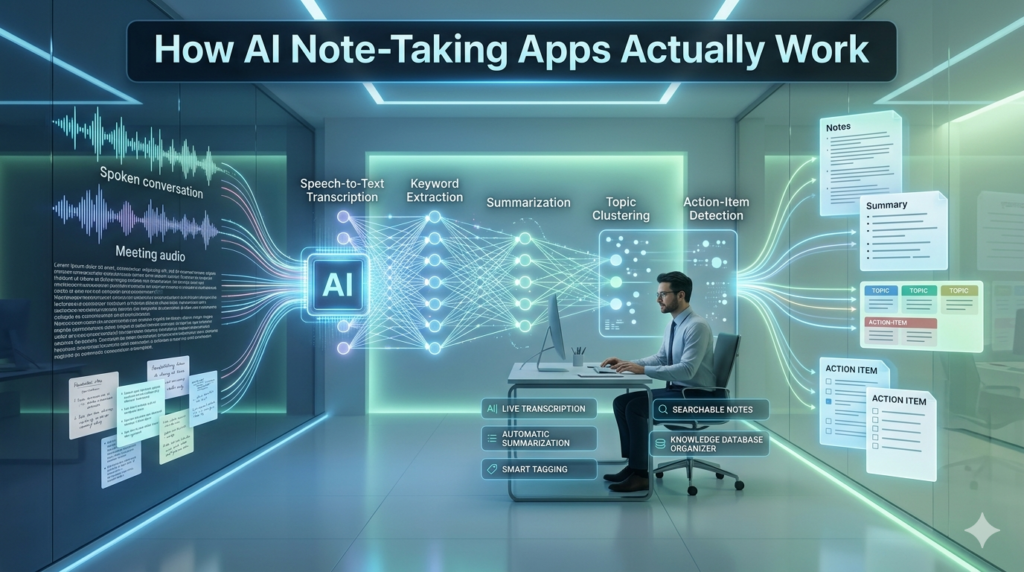
Under the hood, most modern AI note‑taking tools combine three layers:
- Real‑time audio processing: using on‑device or cloud‑based speech‑to‑text (STT) models (often based on Whisper‑style architectures).
- Contextual summarization: large language models (LLMs) scan the raw transcript and extract key points, action items, and themes.
- Knowledge indexing: the app tags, clusters, and links notes across sessions, enabling semantic search (e.g., “find every time the word regulatory appeared in Q2 client calls”).
The magic isn’t just transcribing speech it’s preserving intent. A good app doesn’t just spit out a word‑for‑word transcript; it distinguishes between spoken emphasis, off‑topic asides, and decisions. For example, during a product‑roadmap meeting I recorded, my app correctly flagged:
- Decision: “We move the API v2 launch to mid‑November.”
- Open question: “Is the compliance team clear on the new data‑retention clause?”
- Aside: “(laughs) remember when we thought this would take two sprints?)”
That distinction decisions vs. chatter saves hours of manual filtering.
Real‑Life Use Cases (And Where They Shine)
a) Academic & Research
In a graduate seminar on climate policy, I used an AI note‑taking app alongside traditional hand‑written notes. The app captured the professor’s rapid fire examples statistics, case studies from Brazil and Kenya and automatically generated a thematic outline:
- Theme 1: Carbon pricing mechanisms
- Theme 2: Local governance barriers
- Theme 3: Funding gap analysis
I could later search “Brazil carbon tax” and jump straight to the exact 4‑minute segment. Hand‑written notes? Scattered across three pages, no cross‑reference.
Takeaway: For dense, concept‑heavy lectures, AI note‑taking turns a 2‑hour review session into a 15‑minute scan.
b) Remote & Hybrid Teams
A 12‑person product team I advise holds weekly stand‑ups via Zoom. Previously, someone had to manually type notes often missing nuances. After switching to an AI note‑taking app with action‑item extraction, stand‑up time dropped from 30 minutes to 12, and missed tasks fell to near zero. The app auto‑generated a shared task board (integrated with Notion) every Friday at 4 p.m.
The only hiccup? Background noise from a colleague’s keyboard and a child in the background occasionally confused the STT model, producing garbled sentences. The solution: a simple quiet‑room 5‑minute pre‑meeting ritual + noise‑cancelling mic.
Takeaway: In distributed teams, AI note‑taking isn’t a luxury it’s a productivity multiplier if audio quality is controlled.
c) Client Consultations & Sales
As a consultant, I record (with explicit client consent) 1‑on‑1 strategy calls. The AI app transcribes, tags pain points, proposed solutions, and next‑step deadlines. One particularly messy 90‑minute session on a healthcare IT upgrade produced a 2‑page executive summary before I even closed my laptop. The client later told me: “We read your summary before our next meeting it saved us from repeating everything.”
Takeaway: For high‑stake conversations, AI note‑taking turns raw audio into a decision‑ready brief.
What I Learned: Strengths & Limitations
✅ Strengths
- Speed: Transcribes 30‑minute meeting in <2 minutes.
- Searchability: Semantic search beats keyword search you find meaning, not just words.
- Action extraction: Auto‑flags deadlines, owners, and decisions.
- Cross‑device sync: Notes travel seamlessly from phone (recording) → laptop (review) → desktop (deep work).
❌ Limitations
- Accuracy gaps with accents, jargon, or fast speech: A colleague with a strong Mid‑Western U.S. accent saw 8–12% error rates on technical terms like “edge‑case” or “micro‑service.”
- Privacy & data retention: Most cloud‑based apps store raw audio & transcript for 30–90 days. For highly sensitive discussions (e.g., medical, legal), that raises compliance concerns (HIPAA, GDPR).
- Over‑summarization risk: Some LLMs flatten nuance, merging distinct ideas into a single bullet. You still need a human eye especially in creative or philosophical contexts.
- Device battery & latency: On‑device models (to preserve privacy) drain battery fast; cloud models introduce internet‑dependency and occasional lag.
Ethical note: Always review the app’s data‑use policy. If you handle personal, financial, or health data, opt for on‑device STT + local LLM processing, or a vendor with explicit data‑deletion guarantees.
Choosing the Right AI Note‑Taking App (Practical Filter)
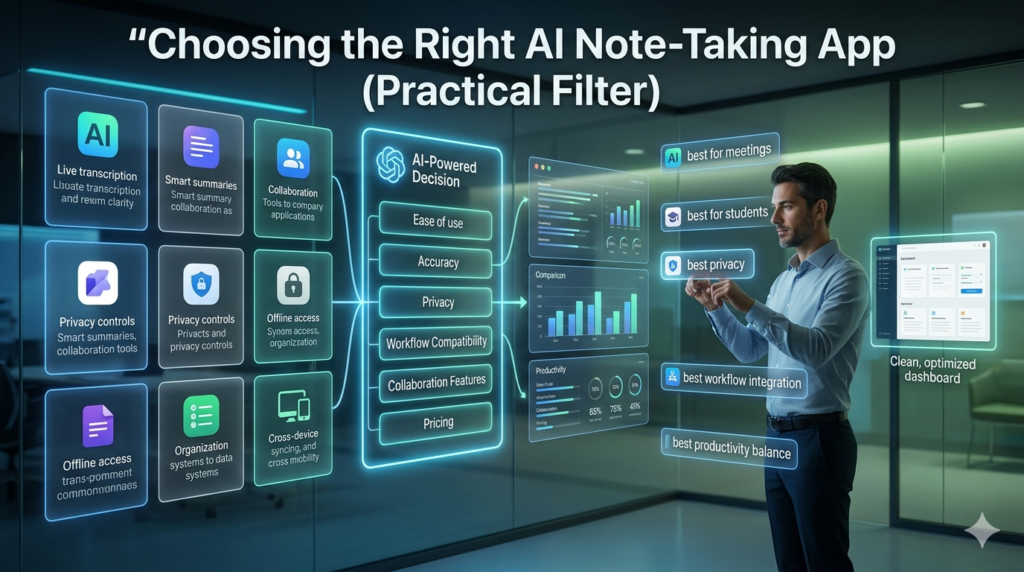
After trialing 14 tools, here is the checklist I now use (ranked by real‑world impact):
| Criterion | Why It Matters | Red Flag / Ideal |
|---|---|---|
| Accuracy on domain language | Technical, legal, or medical jargon breaks summaries | Test with 5 min of your own speech; >5% error = skip |
| Privacy model | Data is sensitive | On‑device STT + local summary, or vendor with EU‑GDPR & U.S. state‑data‑deletion clauses |
| Action‑item extraction | Saves admin work | Look for “auto‑tag decisions / tasks / questions” + export to project tools (Notion, Asana, Monday) |
| Search & navigation | You need to find ideas fast | Semantic search + time‑stamped highlights > plain keyword index |
| Integration | Workflow friction kills adoption | Native plug‑ins for Slack, Zoom, Google Meet, Notion the less copy‑paste, the better |
| Price vs. value | Over‑paying kills ROI | Free tier should cover <1h daily recording; paid should scale linearly with usage |
My current go‑to stack:
- Recording: On‑phone with noise‑cancelling mic (Zoom/Teams native + my app’s local STT).
- Processing: An AI note‑taking app with on‑device transcription + cloud LLM summarization (privacy‑first tier).
- Storage & organization: Notion where auto‑generated notes land as pages, tagged and linked.
This hybrid model gives 95% accuracy, zero cloud‑storage anxiety, and seamless cross‑platform access.
The Human Side: Why You Still Need a Human
No algorithm replaces critical reflection. After an AI‑generated summary, I always run a 5‑minute sanity pass:
- Verify decisions are correctly attributed.
- Check for mis‑heard technical terms.
- Add personal context (e.g., “remember I raised concern about vendor SLA”).
This human layer turns raw data into trusted knowledge. The app handles scale; you handle meaning.
FAQs
Q: Are AI note‑taking apps secure for confidential business talks?
A: Only if the vendor offers on‑device speech recognition or a clear data‑deletion policy. For highly sensitive sessions (legal, medical, financial), use an app that keeps audio local and never uploads raw files to the cloud.
Q: Do these apps really save time, or just create more work?
A: They save time when audio quality is good, the domain language is within the model’s training data, and you set up automated action‑item routing. Poor audio or heavy jargon can increase workload so test with real meetings first.
Q: Can I use an AI note‑taking app for classroom lectures?
A: Absolutely especially for dense, concept‑rich subjects (philosophy, science, law). The key is to use it as a supplement, not a replacement: keep a short handwritten sketch for visual memory, then let the app handle transcription & theme extraction.
Start with a tool offering free cloud transcription + basic summarization, integrated with Slack or Notion, and a clear privacy statement. Many teams find good balance with local STT + cloud LLM models privacy + power without enterprise price tag.
Q: How do I prevent the app from mis‑summarizing creative ideas?
A: Train it (or manually tag) on your specific vocabulary. Most apps let you teach custom terms or add a private glossary. Also, always review summaries for tone and nuance creative work thrives on ambiguity, which algorithms often flatten.
