
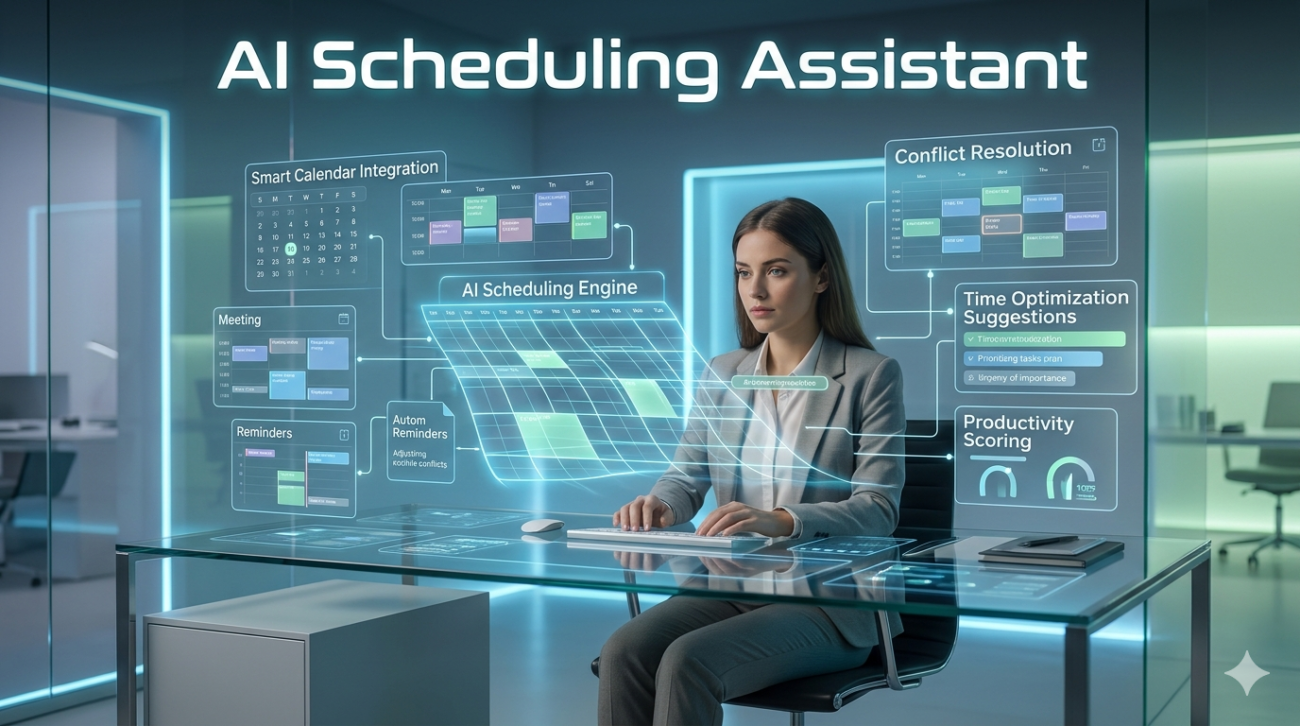
Five years ago, my Monday mornings were defined by a specific kind of dread. I’d sit there with two cups of coffee, staring at a calendar grid that looked more like a Tetris game gone wrong. Between coordinating time zones for remote clients, squeezing in deep work blocks, and trying to remember whose birthday landed on a Friday, the administrative friction was killing my creativity. That’s when I started experimenting with what everyone calls an AI scheduling assistant.
At first, it felt like handing over the keys to my digital life. Would it book meetings while I was sleeping? Would it ignore my no-meeting Wednesdays rule? As someone who now advises operations teams on workflow optimization, I’ve watched this technology mature from novelty to necessity. But here’s the truth nobody puts in the flashy sales copy: automating your calendar isn’t about saving minutes; it’s about protecting your headspace.
Beyond the Back-and-Forth
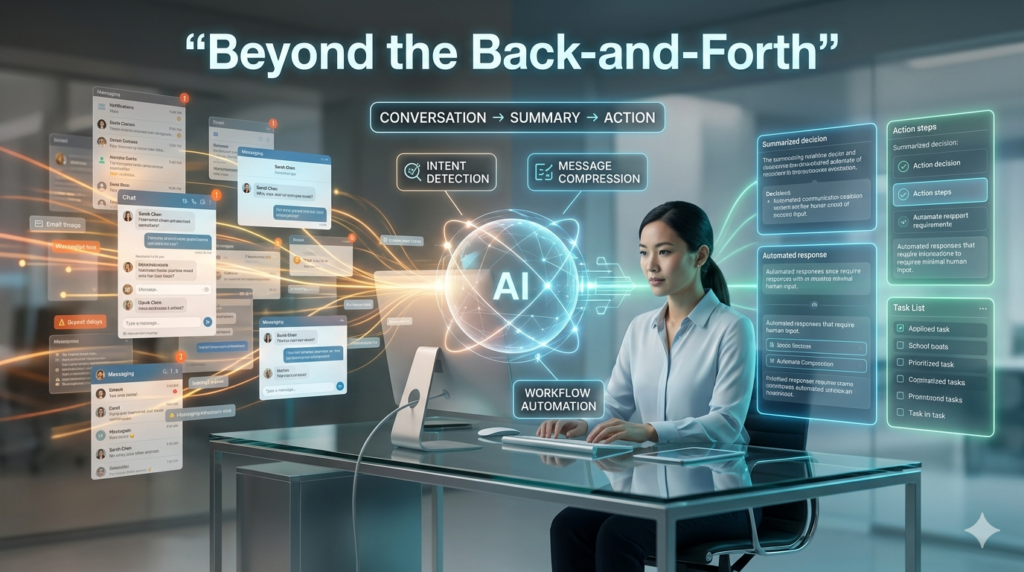
The biggest selling point is obvious. We’ve all lost hours playing email tag just to find a thirty-minute window. An automated calendar tool eliminates that dance. You share a link, they pick a slot, and it’s done. Simple. But the real value lies deeper than just booking links. Modern smart calendar tools have started understanding context. It’s not just about finding free space; it’s about analyzing travel time between Zoom calls, respecting your focus hours, and even suggesting breaks.
I recall working with a mid-sized consulting firm that integrated this tech across their leadership team. They weren’t just looking to book faster; they wanted to stop meeting fatigue. By using an AI scheduler, the system began automatically pushing back meetings that ran over or flagged clusters of calls that violated their wellness policy. That’s a level of proactive management a standard human admin often misses due to workload.
The Integration Hurdle
However, if you think slapping a plugin onto Gmail solves everything, you’re setting yourself up for frustration. From my experience implementing these systems, the friction usually happens during integration. Your meeting coordination software needs to talk to your CRM, your task manager, and your actual calendar without hallucinating double bookings. I once saw a client roll out a new assistant without syncing their time zone preferences correctly.
For three days, half their team arrived at virtual meetings forty-five minutes early, and the other half forty-five minutes late. The tech worked, but the configuration failed. This is why treating an AI scheduling assistant as a strategic implementation rather than a quick download is critical. You have to audit your existing workflows first. Are you truly busy, or are you just reactive? Automating bad habits doesn’t help.
When the Machine Gets it Wrong
Let’s get real about limitations. I don’t want to sell you a utopia. These tools are powerful, but they lack nuance. Last month, a client had a sensitive negotiation scheduled. The system, noticing the user hadn’t replied to a calendar invite, suggested rescheduling based on availability. It technically followed the rules, but it missed the context: silence meant deliberation, not unavailability. Humans still need to be in the loop for high-stakes scenarios.
The best approach I’ve found is a hybrid model. Let the AI handle the low-stakes, internal, or recurring coordination. Keep the door shut for anything involving crisis management, delicate negotiations, or creative ideation. There’s also the issue of meeting culture. If you let an algorithm dictate every minute, you risk optimizing efficiency over connection. Sometimes, a meeting shouldn’t fit perfectly into a block; it needs room to breathe.
Privacy and Data Trust

This is the elephant in the room. To schedule effectively, an AI needs to see your schedule. It needs to know who you meet, when, and often where. For enterprise users, this raises significant security flags. If you’re in legal, healthcare, or finance, the choice of vendor matters immensely. Some productivity tools process data locally, while others cloud-sync for better cross-device syncing.
Before adopting any calendar management automation, read the privacy policy regarding data retention. Who owns that meeting data? Is it being used to train larger models? I always recommend starting with vendors that offer enterprise-grade encryption and clear data governance policies. Trust isn’t built on features; it’s built on transparency.
Making It Work for You
So, how do you actually move forward? First, set boundaries in the tool before you turn it on. Define your working hours, buffer times, and do not disturb periods explicitly. Second, give it permission to decline politely. If the AI can send a nice message saying, “I can’t take that right now, how about next week?” without your input, that saves cognitive load.
Finally, review its suggestions weekly. For the first month, treat it like a new intern. Check its work. Over time, you’ll notice patterns where it suggests times you consistently ignore. Adjust those parameters. Eventually, the tool becomes an invisible extension of your routine rather than another app you have to manage.
The Bottom Line
We are entering an era where our attention is the most scarce resource. Delegating the logistics of time to an intelligent system isn’t lazy; it’s a survival strategy for the modern knowledge worker. Just remember that an AI scheduling assistant is there to serve your priorities, not define them. Use it to buy back your time, yes, but ensure you have a plan for what you do with that reclaimed time. Otherwise, you’ll just end up filling the empty slots with more noise.
FAQs
Q: Can an AI scheduling assistant handle multiple calendars?
A: Yes, most advanced tools sync with Google Calendar, Outlook, and Apple Calendars simultaneously. They scan availability across all connected accounts to prevent conflicts automatically.
Q: Is using an AI scheduler safe for confidential meetings?
A: It depends on the vendor. Look for enterprise-level security features like encryption and GDPR compliance. Avoid consumer-grade apps for highly sensitive discussions unless verified.
Q: Do these tools replace human executive assistants?
A: Not entirely. While they handle logistics, human assistants provide nuanced judgment, relationship management, and complex problem-solving that current AI cannot replicate fully.
Q: How much setup is required initially?
A: Expect to spend 1–3 hours configuring availability buffers, working hours, and integration settings. Proper setup ensures the AI understands your preferences accurately.
Q: Will clients see that I’m using automation?
A: Usually, yes. Most schedulers include a branding note on confirmation pages. However, some white-label options allow you to customize this to match your brand voice without highlighting the automation.
