
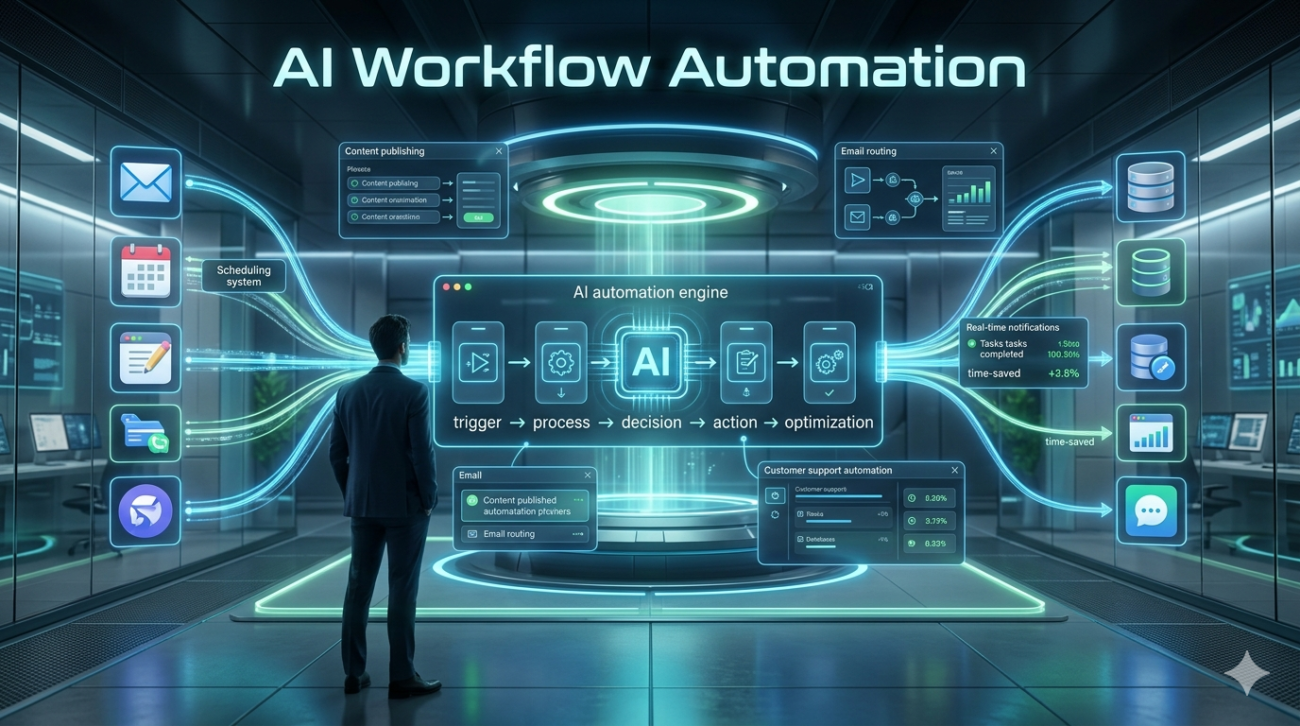
I remember sitting in a conference room back in 2021, watching a demo of what was then the cutting edge of process automation. A colleague had built a script that would scrape email addresses from PDF attachments and paste them into a CRM. It worked flawlessly, provided you didn’t add five extra fields to the form. It felt powerful, yet fragile. Fast forward to today, and the landscape has shifted under our feet. We aren’t talking about simple if-this-then-that scripts anymore. We are looking at true AI workflow automation where systems can interpret intent, handle ambiguity, and adapt in real-time.
However, there’s a massive disconnect between the marketing promises we see and the reality of implementation. I’ve spent the last three years helping teams integrate intelligent workflows into their daily ops, and I’m here to tell you that it’s less about installing a tool and more about restructuring how you think about labor.
The Shift from Rules to Reasoning
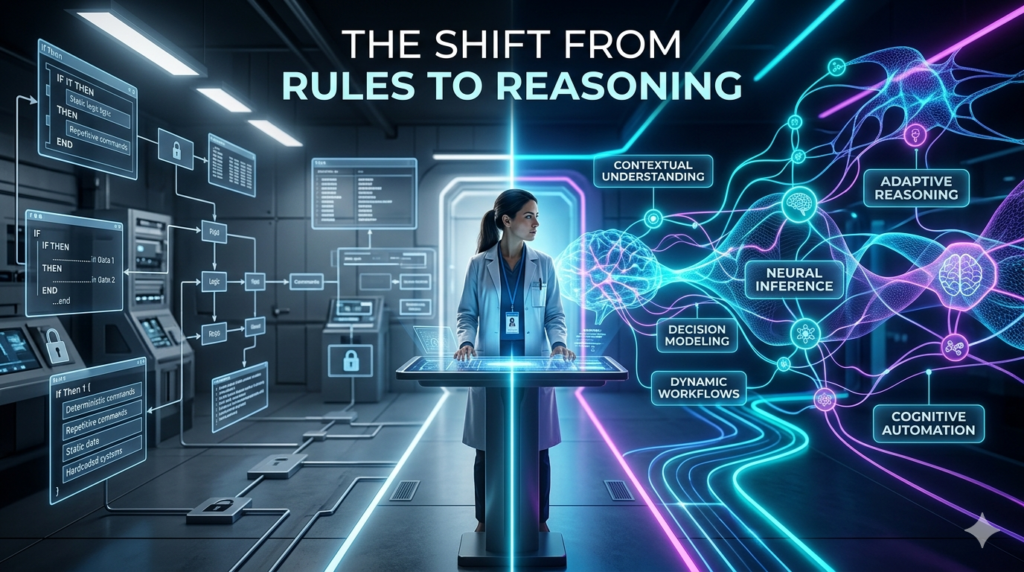
Traditional automation is binary. If time is before noon, send email. Else, wait. It’s rigid. When a client says, Can you expedite this because my boss needs it ASAP?, a standard bot gets confused. It looks for the word “expedited” in a predefined list. If the list doesn’t have synonyms, it fails. AI workflow automation introduces reasoning into this loop. Instead of strict logic gates, the system uses Large Language Models (LLMs) alongside traditional APIs to understand context.
For example, consider a customer support team handling billing disputes. An older automation might route all complaints about charges to the billing department. An intelligent system reads the sentiment of the message. If it detects anger combined with a request for a refund history, it routes it differently, perhaps pulling prior transaction logs automatically before routing the ticket to a senior agent. It reduces the initial friction by pre-packaging the solution.
A Real-World Case Study: The Onboarding Bottleneck
Let me share a story from a mid-sized SaaS company I consulted for recently. Their user onboarding involved four manual steps: provisioning access in Active Directory, sending welcome emails via Salesforce, creating a Trello board for success managers, and tagging leads in HubSpot. Each step took about twenty minutes per user. During peak hiring seasons, they were burning out account managers. We didn’t just connect the dots. We redesigned the flow. We set up an orchestration layer using Python and an LLM interface to act as the central nervous system. When a new hire signed the contract, the AI scanned the email body for role-specific keywords (e.g., “Engineering” or “Sales”) to tailor the setup.
It generated the specific Trello cards needed for that department instead of a generic board. But here is the catch that no case study usually highlights: the first week was disaster-prone. Two users were flagged incorrectly by the sentiment analysis algorithm, thinking a sarcastic joke about “onboarding hell” indicated frustration requiring immediate manager intervention. This taught us a vital lesson. You cannot trust the AI blindly. Every automated process needs a human-in-the-loop approval for exceptions initially. Once we established guardrails allowing the AI to draft the email but requiring a click to send the error rate dropped significantly, and time-to-onboard halved.
The Hidden Costs and Ethical Considerations
When discussing AI workflow automation, we rarely talk about the technical debt of maintaining it. Integrating an AI layer often means dealing with non-deterministic outputs. Sometimes the model hallucinates a deadline date. Sometimes it misses a privacy field in a document. This brings us to data governance. As you allow workflows to ingest more internal data to make smarter decisions, you increase the surface area for security breaches. I’ve seen teams rush to deploy a chatbot trained on internal Slack channels to speed up employee queries, only to accidentally leak salary band information when the model retrieves context.
Trust isn’t earned just by speed; it’s built through rigorous data hygiene. There is also the human element of deskilling. If you automate too much decision-making, your employees lose the ability to solve problems when the bot breaks. A finance analyst who relies entirely on an auto-categorization tool for expenses loses the intuition to spot fraud when the pattern matches something unique. Automation should elevate tasks, not erase judgment.
Building for Sustainability

So, how do you move forward without getting swallowed by complexity? Start small. Don’t try to automate your entire enterprise tomorrow. Identify a high-volume, repetitive task where the outcome is clear but the path varies slightly. Data migration, document processing, and routine reporting are prime candidates.
You also need to budget for the maintenance. Unlike a legacy script that sits still, an AI workflow requires prompt engineering updates as your business terminology changes. If you rebrand a product next month, your prompts need to reflect that new language, or the workflow will become obsolete. It’s not set and forget; it’s set, monitor, and refine.
Looking Ahead
The industry is moving toward agentic workflows systems that can plan multiple steps independently rather than executing a linear sequence. Imagine a procurement process where the AI doesn’t just order supplies when stock is low, but negotiates vendor quotes based on historical spending trends and places the order within set budgets. While that future sounds exciting, the present moment demands pragmatism.
The technology works best when it serves clear operational goals rather than chasing novelty. If you treat AI workflow automation as a strategic asset to free up human creativity, rather than a magic wand to eliminate jobs, you will likely find sustainable success. It’s about building a hybrid intelligence where machines handle the grind so humans can handle the nuance.
FAQs
Q: What is the main difference between traditional automation and AI workflow automation?
A: Traditional automation follows strict, pre-programmed rules (if X then Y), while AI workflow automation understands context, unstructured data, and can adapt to variations without needing code changes for every new scenario.
Q: How much does it cost to implement AI automation?
A: Costs vary widely based on infrastructure, licensing for LLMs, and custom development. However, most businesses find the ROI positive within six months due to significant reductions in man-hours spent on repetitive tasks.
Q: Is data security a major risk with AI workflows?
A: Yes. Because AI models often process sensitive internal data, organizations must ensure their vendors comply with strict data privacy standards and that they maintain control over their proprietary data, never sharing it with public training sets.
Q: Do I need coding skills to build these workflows?
A: Many modern platforms offer no-code interfaces for connecting apps, but understanding basic logic, API structures, and how to fine-tune prompts is essential for complex implementations. Technical literacy remains crucial.
Q: Will AI automation replace workers in my company?
A: Not necessarily. It tends to replace specific tasks rather than whole roles. The goal is augmentation freeing employees from mundane work to focus on strategy, relationship building, and complex problem-solving.
