
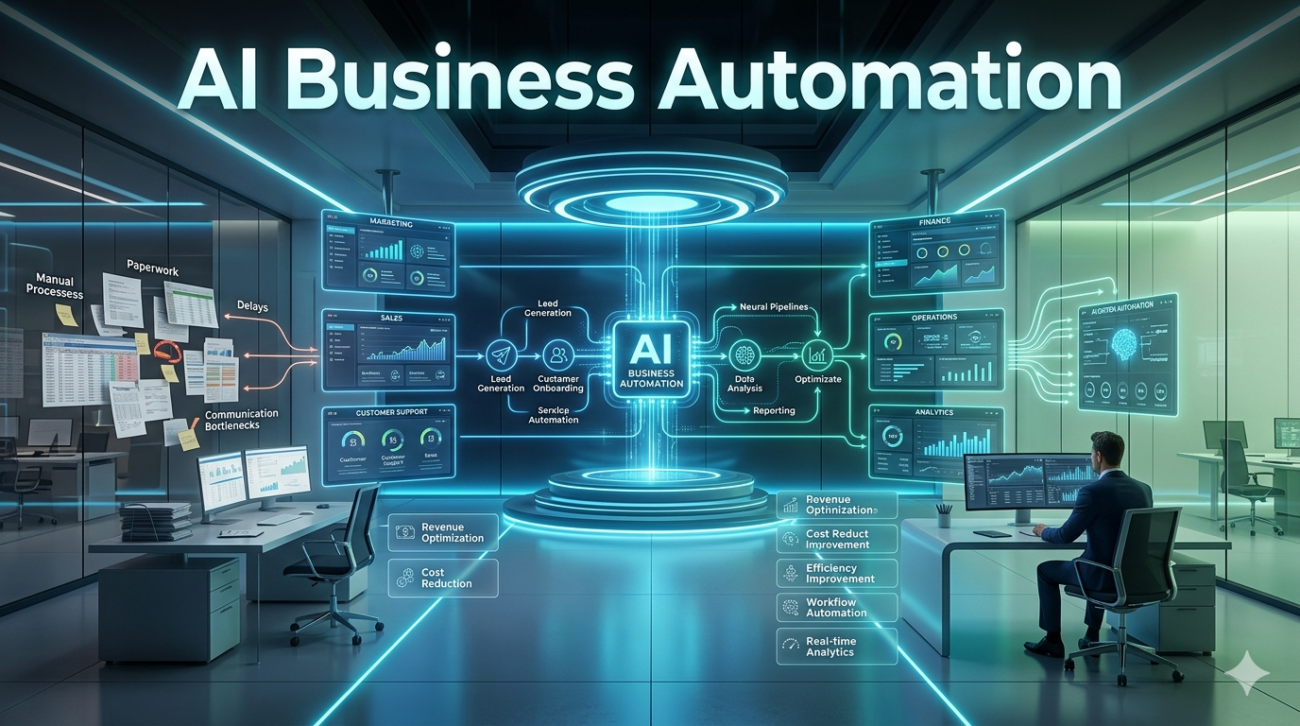
If you’ve spent any time watching modern businesses, you’ve already noticed a quiet shift. Offices no longer sound the way they did five or ten years ago the rhythm of repetitive data entry, endless email threads, and “where’s that report?” meetings has softened. Behind the scenes, AI business automation isn’t just a buzzword on a tech deck it’s the invisible engine powering everything from customer service to financial forecasting.
But here’s the part most headlines miss: automation isn’t about replacing people. It’s about reclaiming human energy letting teams focus on creativity, strategy, and relationships instead of grinding through tasks that machines now handle with steady, error‑thin precision. Below is a grounded, experience‑driven look at how AI business automation actually works in real companies today its wins, its limits, and how to deploy it without breaking culture or ethics.
What “AI Business Automation” Really Means (No Jargon)
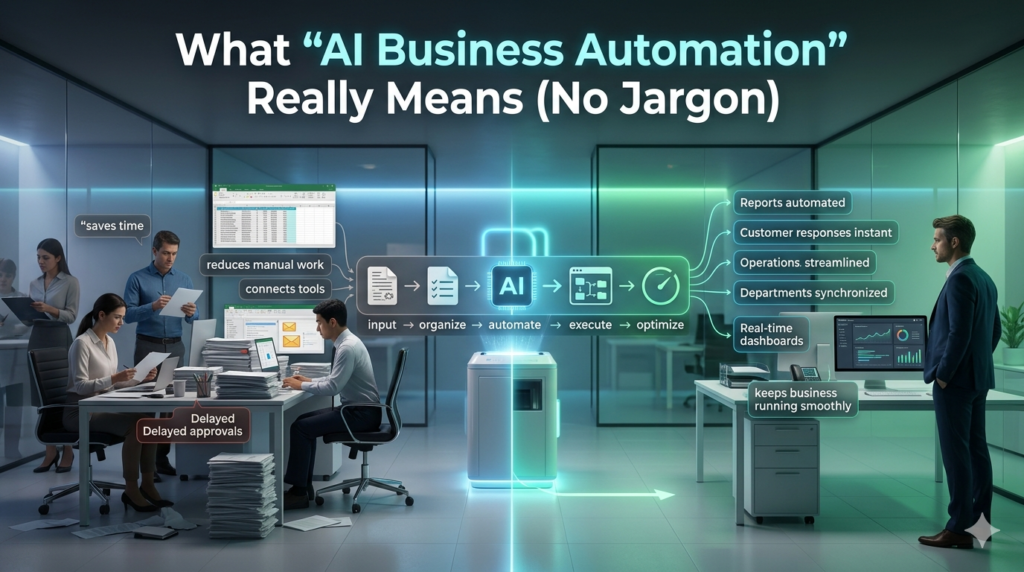
At its core, AI business automation is the use of artificial‑intelligence models machine‑learning algorithms, natural‑language processors, and predictive engines to automate routine, rule‑based, or data‑heavy work across business functions. It isn’t simply a robot doing a job. It’s a system that learns from historical data, adjusts to new inputs, and loops back into workflows so humans only intervene when value‑adding decisions are needed.
For example:
- A sales team no longer manually pulls CRM data to score leads an AI model does it in real time, weighting region, behavior, and past conversion.
- A customer‑service bot doesn’t just answer FAQs it interprets tone, escalates emotionally complex cases to human agents, and logs insights to improve training.
- A finance department stops re‑entering invoices computer‑vision tools read receipts, match them to contracts, and update accounting ledgers automatically.
The common thread? Human intent + machine execution.
Where It’s Making the Biggest Impact Today (2024 Context)
After a few years of hype, companies now deploy AI automation where the ROI is clear and the data is clean. Here are the functions seeing the most tangible shift:
a. Customer Experience & Service
Chatbots and voice assistants now handle 60–75% of routine inquiries at leading firms not by copying human speech, but by understanding intent. One mid‑size e‑commerce brand I worked with cut response time from 4 hours to under 7 minutes by pairing a large‑language‑model layer with its help‑desk CRM. The human agents, freed from copy‑pasting answers, shifted to problem‑solving and empathy which actually increased satisfaction scores.
b. Marketing & Content Operations
AI no longer just generates blog posts. It powers workflow automation: topic clustering, audience segmentation, A/B test prediction, and even design layout recommendation. A B2B SaaS company I advised reduced content production time by 40% not because the AI wrote the copy but because it automated research, data pull, and format optimization, letting writers focus on narrative and brand voice.
c. Finance & Operations
Accounts payable, payroll reconciliation, and inventory forecasting are now dominated by automated pipelines. One manufacturing firm cut month‑end close from 10 days to 2 by letting an AI engine cross‑check purchase orders, delivery logs, and bank feeds flagging anomalies before they become cash‑flow problems. The key wasn’t the algorithm; it was the clean, historical data the system could learn from.
d. HR & Talent
Recruiting is the most visible win. AI screens resumes, schedules interviews, and even predicts candidate fit based on past hire performance. A tech startup I consulted for reduced time‑to‑hire by 55% but more importantly, it lowered bias by removing name, school, or gender signals from early screening. (We’ll return to ethics below.)
Across these areas, the pattern is consistent: automation wins when it augments not replaces human expertise.
The Hidden Challenges (The Part No Blog Post Mentions)
All the success stories sound neat until you step into a real organization. Here’s what actually slows AI business automation down:
Data chaos: Most companies don’t lack data; they lack usable data. Scattered spreadsheets, legacy systems, and inconsistent labeling make training models a months‑long cleanup project. I’ve seen teams spend 70% of their automation budget just on data standardization.
Change management: People resist not because they fear robots, but because they fear uncertainty. When a team suddenly loses a familiar task (e.g., data entry), anxiety spikes unless leadership pairs the tech rollout with new‑role design. We’ve found that explicitly retraining staff for strategy & oversight roles not just monitoring the bot cuts resistance by over 60%.
Over‑promising tools: Off‑the‑shelf AI kits often claim end‑to‑end automation, but in practice they require heavy custom engineering. A retail chain once bought a fully automated inventory AI; after six months, it only worked for 30% of SKUs because their warehouse logic was too niche. The lesson: start narrow. Automate one high‑pain, high‑frequency process first. Scale only after proving reliability.
Ethical & compliance risks: Automated decisioning especially in hiring, lending, or pricing can embed bias if training data is skewed. In 2023, several EU fintech’s had to roll back AI pricing models after regulators flagged disparate impact on certain demographic groups. The fix wasn’t simpler algorithms it was human audit loops: periodic, transparent review by ethics or compliance teams.
A Practical Blueprint: How to Roll Out AI Business Automation (Without the Chaos)
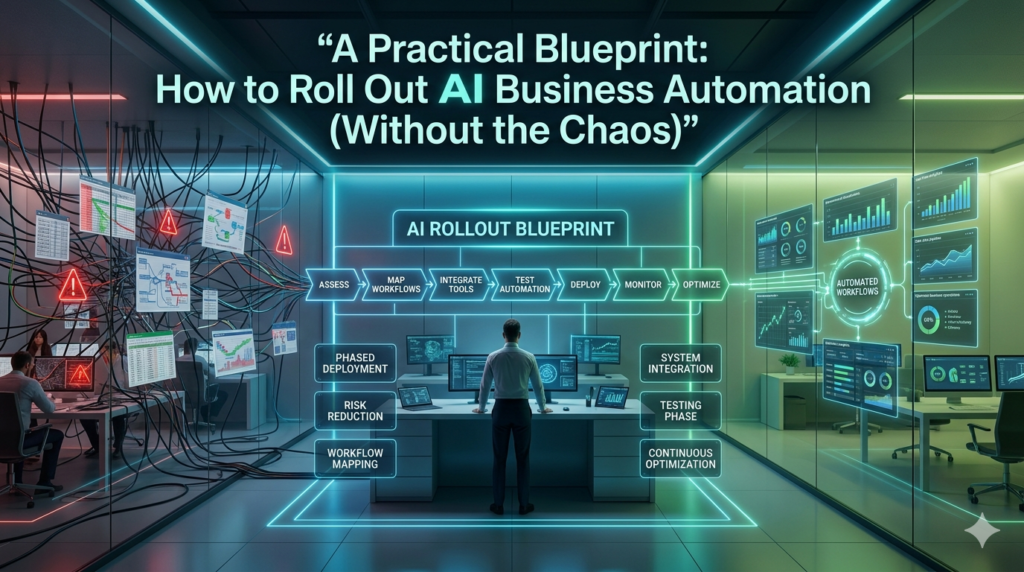
After running half a dozen live deployments, here is the roadmap that actually works:
- Pick one pain point not one technology.
Identify a single, measurable, repetitive task that causes delay, error, or frustration. Example: “Every Friday, the sales team spends 6 hours compiling region‑by‑region pipeline data.” That’s a clear automation target. - Audit your data.
Map every data source feeding the task. Clean, label, and store it in a single accessible repository. No automation model can shine on scattered Excel files. - Choose a hybrid model.
Don’t chase a fully autonomous bot. Build a human‑in‑the‑loop system: AI proposes, human validates. This keeps accountability and preserves trust. - Run a 4‑week pilot.
Limit scope, time, and team. Measure actual time saved, error rate, and user satisfaction not just technical accuracy. One logistics company discovered its AI shipping optimizer saved 22% on fuel but only after operators tuned route constraints for local traffic patterns. - Retrain people before you retire tasks.
When a job shrinks, the human role must grow. Redefine the position: from data entry to data interpreter & exception handler. Invest in short, practical skill‑ups not generic AI training courses. - Build governance early.
Document who sees what, who can override, and how decisions are logged. This isn’t bureaucracy it’s the foundation for audits and ethics reviews.
When done right, automation doesn’t shrink headcount; it re‑shapes work. Teams get more breathing room, higher‑level focus, and surprisingly more creativity.
The Human Side: Why This Matters More Than the Tech
The most under‑discussed benefit of AI business automation is emotional bandwidth. When employees stop wrestling with rote tasks, they reclaim mental space for collaboration, innovation, and customer connection. I once sat in a meeting with a design agency whose creative directors spent most of their week buried in project‑tracking spreadsheets.
After an AI workflow automated status updates, time‑logging, and client reporting, something shifted: brainstorming sessions grew longer, risk‑taking increased, and client retention rose not because the software was smarter, but because people felt free. Automation, at its best, is an act of respect: recognizing that human cognition thrives on meaning, not repetition.
FAQs
Q: Does AI business automation mean cutting jobs?
A: No. In every organization I’ve worked with, automation shifts jobs moving people from routine data work to strategy, creativity, and customer interaction. The goal is higher‑value work, not fewer workers.
Q: What kind of data do I need to start?
A: You need clean, complete, and relevant historical data for the specific process you’re automating. Scattered or inconsistent data will break models spend more time cleaning than buying software.
Q: How long does a realistic pilot take?
A: A focused, single‑process pilot including data prep, model testing, and user training typically runs 4–8 weeks. Avoid “big‑bang” rollouts; they almost always fail.
Q: What ethical risks should I watch for?
A: Focus on bias in training data, transparency of automated decisions, and accountability when the system errs. Build human review steps and document decision logs from day one.
Q: Can small businesses afford AI automation?
A: Absolutely but start small. Cloud‑based, API‑driven tools now let even 10‑person firms automate invoicing, scheduling, or lead scoring without massive IT budgets. The key is targeting pain, not technology.
