
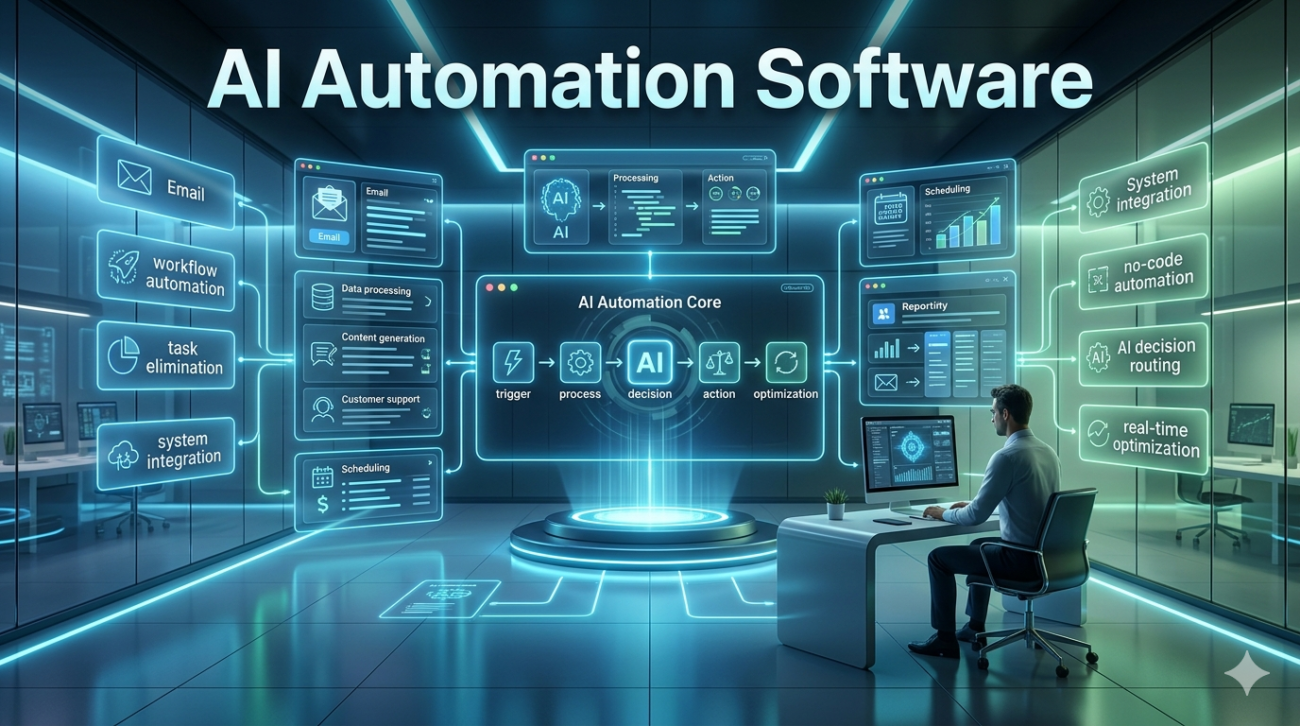
If you’ve spent any time scrolling through tech blogs, SaaS landing pages, or startup pitch decks in the last three years, you’ve almost certainly encountered the phrase “AI automation”. Marketers promise end-to-end workflow elimination, vendors claim “80% productivity gains in 30 days,” and executives often under pressure believe that buying the shiniest new platform is the shortcut to competitive advantage.
After testing, integrating, and observing AI automation software across marketing, operations, customer support, and finance teams over the past five years, I can tell you one thing: the technology isn’t a magic wand. It is, however, a powerful ally when applied with strategy, data hygiene, and human judgment. This article distills hard-won experience into a clear, no-nonsense guide: what AI automation really does, where it shines, where it stumbles, and most importantly how organizations can deploy it without falling into the common traps.
What Is AI Automation Software, Really?
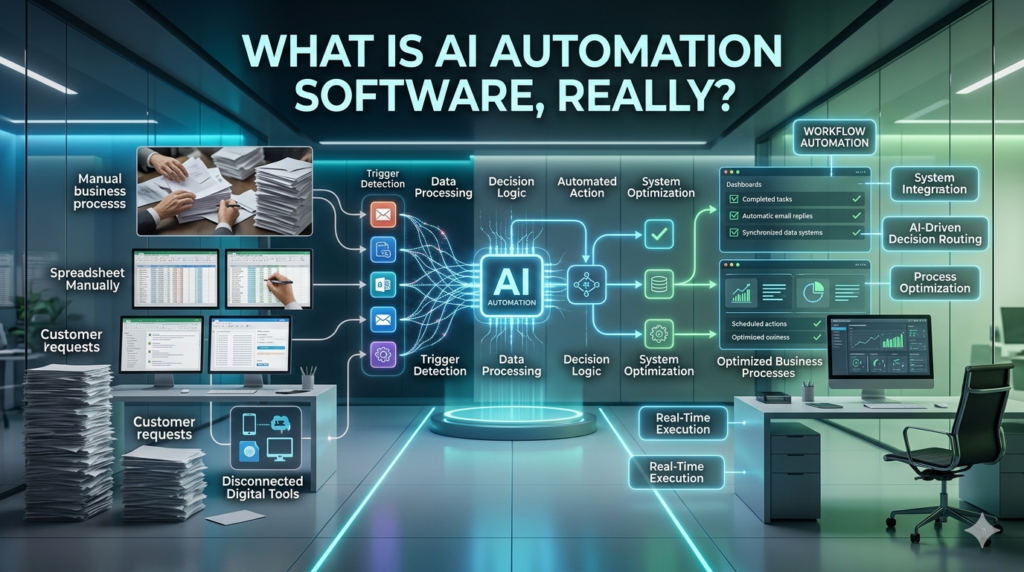
At its core, AI automation software combines artificial intelligence (machine learning, natural language processing, computer vision, predictive analytics) with workflow automation (rules, triggers, APIs, task routing). The result: systems that don’t just follow pre-programmed instructions, but decide, adapt, and learn as they execute repetitive or semi-structured work. Unlike rule-based robotic process automation (RPA), which clicks buttons and fills forms exactly as coded, AI automation adds intelligence:
- It reads unstructured data (emails, chat logs, invoices, social posts).
- It interprets context (customer sentiment, supply‑chain shifts, market signals).
- It makes recommendations or takes actions without explicit programming for every scenario.
Example: A mid‑size e‑commerce brand I worked with used to have a team of three people manually tagging customer emails separating returns, billing errors, product questions, etc. After integrating an AI automation layer on top of their CRM, the system learned from 18 months of tagged history. Within eight weeks, it began auto‑classifying new inbound mail with ~92% accuracy, freeing the team to handle complex complaints instead of data entry.
That’s the difference: time previously spent on low‑value classification is redirected to high‑value problem solving.
Where AI Automation Delivers Real Value (Case Studies)
1. Customer Support & Chatbot Augmentation
Many companies jump straight to chat bots and fail. The mistake isn’t the tech; it’s expecting a bot to replace human empathy.
What works: Use AI automation as a co-pilot. For instance, a B2B SaaS company I advised layered an NLP engine into their Zendesk instance. The bot didn’t end conversations; it summarized ticket context, pulled relevant knowledge‑base articles, and flagged tickets likely to escalate (based on sentiment + historical resolution time). Agent handle times dropped 27%, and customer satisfaction (CSAT) actually rose because agents entered conversations already armed with data.
2. Marketing Content & Personalization at Scale
A DTC (direct‑to‑consumer) fashion label once ran 14 social media accounts across Instagram, TikTok, and Facebook. Posting schedules, caption optimization, and A/B testing were killing creativity. They deployed an AI automation stack that:
- Analyzed past post performance (engagement, click‑through, audience demographics).
- Generated variant captions and hashtags.
- Scheduled posts based on audience online patterns.
After 12 weeks, engagement rose 41% but more importantly, the human creators regained 10 hours a week. They used that time for creative direction rather than which hashtag performs better.
3. Finance & Accounts Payable
In a manufacturing firm with 600+ monthly invoices, an AI vision + NLP system scanned PDFs, extracted vendor data, matched against purchase orders, and routed approvals automatically. The team cut AP processing time from 5 days to 18 hours. Errors dropped not because the software was perfect, but because human review was focused only on exceptions the cases the AI flagged as ambiguous.
These examples share a pattern: AI automation excels where data is abundant, rules are fuzzy, and human attention is scarce.
Where It Stumbles And Why Most Deployments Fail
After watching dozens of organizations launch AI automation projects, four recurring pitfalls stand out:
1. Data is the real bottleneck, not the algorithm
A beautiful model collapses if trained on messy, incomplete, or biased data. One healthcare client spent $120k on an AI scheduling tool only to discover 30% of patient records lacked standardized codes. The model’s intelligence was limited by data chaos.
Lesson: Clean, label, and standardize data before buying or configuring any model.
2. Over‑promising “full automation”
Vendors love to say fully autonomous. In reality, most AI automation systems require human oversight, especially at edge cases. A logistics company I consulted for saw its route‑optimization AI cut delivery miles by 12% until weather anomalies broke its prediction model. Drivers had to override daily. The system wasn’t failing; it was under‑calibrated for real‑world volatility.
Lesson: Design for human-in-the-loop, not human-out-of-the-loop.
3. Ignoring change management
Even the best tech fails if people resist it. When an insurance firm rolled out AI‑driven claim triage, claims assessors felt threatened until we reframed the tool as a decision support engine: “The AI suggests priority; you make the final call.” Training, storytelling, and role‑redefinition turned resistance into buy‑in.
Lesson: Automation changes jobs; it doesn’t eliminate them. Retrain, re‑purpose, and communicate clearly.
4. No governance or ethical framework
AI decisions especially in hiring, lending, or pricing can embed bias if training data reflects historical inequity. A retail bank nearly launched an AI pricing model that systematically over‑charged minority neighborhoods. A quick audit of training data (purchase history + location) revealed skewed sampling. They re‑weighted data and added fairness constraints before launch.
Lesson: Build ethics and audit loops into the automation architecture, not as an afterthought.
How to Deploy AI Automation Without the Headaches

Drawing from live implementations, here is a practical roadmap:
- Start narrow. Pick one workflow with high volume and high repetition but low emotional weight (e.g., data entry, categorization, routing). Success builds credibility.
- Map the data flow. Draw the end‑to‑end process on a whiteboard: inputs → processing → output → human review. Identify every touchpoint where uncertainty appears.
- Choose the right tool stack. Not all AI automation platforms are equal. Look for:
- Strong NLP or computer‑vision capabilities (if dealing with text or images).
- Native integrations with your core systems (CRM, ERP, email, etc.).
- Transparent model exploitability (you need to understand why the AI made a call).
- Build a human-in-the-loop (HITL) layer. Set thresholds: e.g., If confidence < 85%, route to human. This keeps accuracy high while preserving speed.
- Iterate with feedback loops. Every human override should feed back into the model. Most platforms have built‑in feedback mechanisms use them. A single month of curated feedback can boost accuracy by 10–15 points.
- Monitor performance, not just cost. Track not only time saved but error rate, customer impact, and employee sentiment. A 50% speed gain that erodes trust is worse than a 20% gain with high satisfaction.
Current Era Context (2024–2025)
We are no longer in the early “AI hype” phase. Today’s AI automation software is:
- More integrated: Cloud‑native, API‑first, designed to sit inside existing ERP/CRM ecosystems rather than as standalone islands.
- More interpretable: New exploitability tools let non‑engineers see why a decision was made critical for compliance (GDPR, CCPA) and internal trust.
- More cost‑effective: Entry‑level AI automation suites (with pre‑trained models for email classification, document extraction, and chatbot training) now start under $2k/month, making them accessible beyond large corporations.
- More regulated: Data‑privacy and algorithmic‑bias guidelines (EU AI Act, U.S. federal proposals) are pushing vendors to build audit trails and human‑review gates by default.
At the same time, the human side of the equation has not shrunk. Employees still need clarity, skill updating, and psychological safety. Organizations that treat AI automation as a collaborative extension of the team rather than a replacement see the highest ROI.
Final Take: AI Automation Is a Strategy, Not a Product
AI automation software is not a panacea. It is a strategic lever most effective when:
- Data is clean and abundant,
- Workflows are partially rule‑based and partially ambiguous,
- Humans are involved at decision edges,
- And culture embraces continuous learning.
The companies winning right now aren’t the ones with the flashiest tech; they are the ones who paired smart tools with disciplined process design, ethical governance, and people‑first change management. If your goal is real productivity, think less replace workers and more amplify human expertise. That is where the sustainable gains and the real business value live.
FAQs
Q: How long does it usually take to see results from AI automation?
A: Most teams see measurable time savings or accuracy gains within 6–10 weeks, provided data is prepared and the workflow is well‑defined. Complex multi-system integrations can stretch to 3–4 months.
Q: Do we need an in‑house data science team to use AI automation software?
A: Not necessarily. Many modern platforms come with pre‑trained models and no‑code interfaces. You only need domain experts (e.g., marketers, finance staff) to label data and set thresholds; occasional collaboration with a data scientist helps but isn’t required.
Q: Can AI automation fully replace human customer service agents?
A: No. It excels at handling routine queries, routing, and information retrieval. High‑empathy, complex, or emotionally charged cases still require human agents especially when the AI flags uncertainty or sentiment risk.
Q: What ethical risks should we watch for?
A: Bias in training data, opaque decision-making, privacy violations (especially with personal data), and job displacement anxiety. Build audit logs, fairness checks, and transparent human review steps into the system from day one.
Q: Is AI automation worth the investment for small businesses?
A: Absolutely if the business has repeatable, high‑volume tasks (invoicing, social posting, lead sorting, etc.) and limited staff. Modern, cloud‑based solutions now offer pay‑as‑you‑go pricing, making them financially feasible even for teams under 20 people.
