
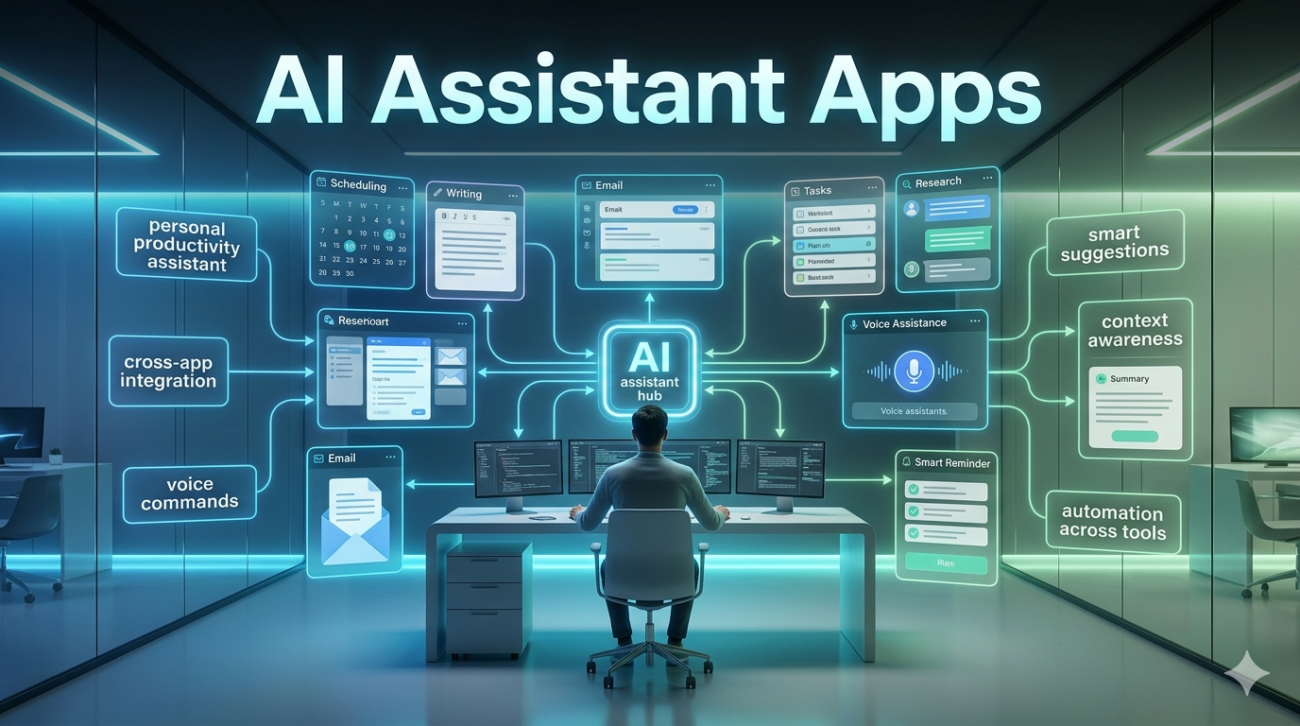
If you’d told me five years ago that I’d be using a digital assistant to help draft emails, summarize meeting notes, and plan weekend trips, I probably would have laughed. Today, it’s just Tuesday. AI assistant apps have quietly become part of how millions of people work, plan, learn, and communicate and that shift happened faster than most of us noticed.
But here’s the thing: not all AI assistants are created equal, and the hype doesn’t always match the reality. Having used and tested quite a few of these tools across different contexts personal productivity, professional work, creative projects I’ve got a clearer picture of where they genuinely shine and where they still trip over their own feet. Let me walk you through what you actually need to know.
What Are AI Assistant Apps, Really?
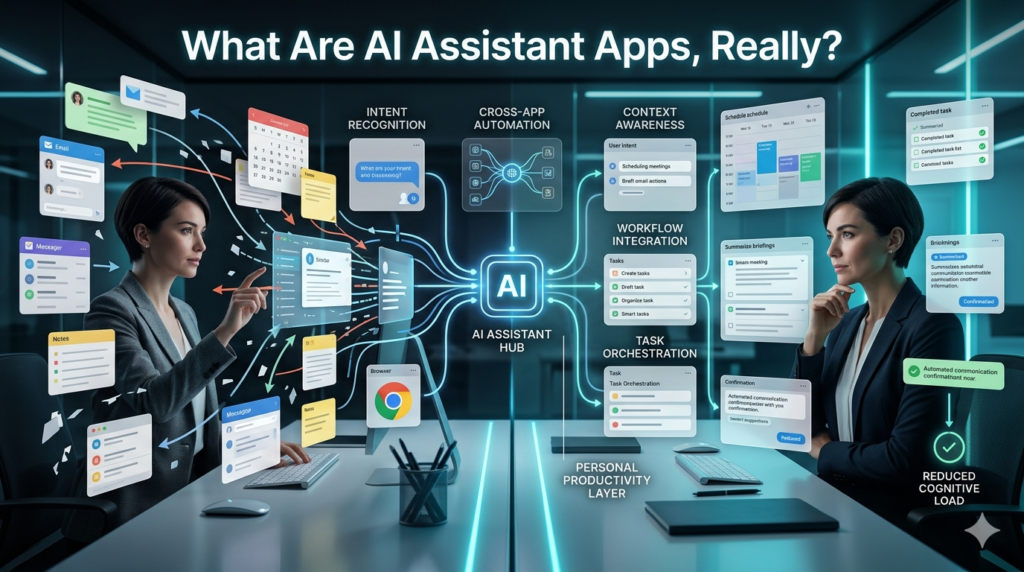
At their core, AI assistant apps are software applications that use natural language processing and machine learning to understand what you’re asking and respond in a helpful, conversational way. They can answer questions, generate text, manage tasks, set reminders, pull information, and increasingly, take actions on your behalf booking things, sending messages, controlling smart home devices.
The category is broad. It includes voice-based assistants like Siri, Google Assistant, and Amazon Alexa, as well as newer text-focused tools like ChatGPT, Claude, Gemini, Microsoft Copilot, and Perplexity. Each has a different design philosophy, strength, and intended use case.
The Ones People Are Actually Using
Google Assistant and Siri: are the old guard deeply integrated into smartphones, great for quick commands, setting timers, sending texts hands-free, or checking the weather. They’re reliable for simple tasks but often frustrating when conversations get even slightly complex. Ask Siri to compare two health insurance plans and watch it struggle.
Amazon Alexa: dominates smart home control. If your lights, thermostat, and speakers are all connected, Alexa is genuinely useful. But for intellectual tasks or nuanced questions, it falls behind.
ChatGPT: changed the game when it launched publicly. Suddenly people could have extended, back-and-forth conversations with an AI that understood context, remembered the thread of a discussion (at least within a session), and could help with everything from writing cover letters to explaining quantum mechanics. It’s not perfect it can confidently get things wrong but for creative and analytical tasks, it raised the bar dramatically.
Microsoft Copilot: integrated into Windows and Microsoft 365, is particularly useful for professionals already living inside Word, Excel, and Teams. It can summarize documents, draft emails based on bullet points, and analyze spreadsheet data in plain English. For office work, it’s genuinely impressive.
Perplexity: positions itself as a research-first assistant, pulling live web results and citing sources. If you care about accuracy and want to verify where the information is coming from, this one’s worth serious consideration.
Where AI Assistant Apps Are Actually Helpful
Productivity and writing: is probably the strongest use case. Drafting a first version of a report, cleaning up grammar, restructuring arguments, generating subject lines for emails these are all tasks where a good AI assistant saves real time without replacing your judgment.
Learning and explanation: is underrated. If you’re trying to understand a complex topic say, how compound interest works, or what the difference between a trademark and a copyright is a conversational AI assistant explains it in plain language, adjusts based on your follow-up questions, and doesn’t make you feel dumb for asking. That’s genuinely valuable.
Task management and scheduling: especially with newer integrations, is getting better. Tools that connect to your calendar, email, and project management software can now surface priorities, reschedule meetings, and flag things you might have missed.
Customer support and business use: is another growing area. Companies are deploying AI assistants to handle routine inquiries, and when done well, it reduces wait times and frees up human agents for complex problems.
Where They Still Fall Short
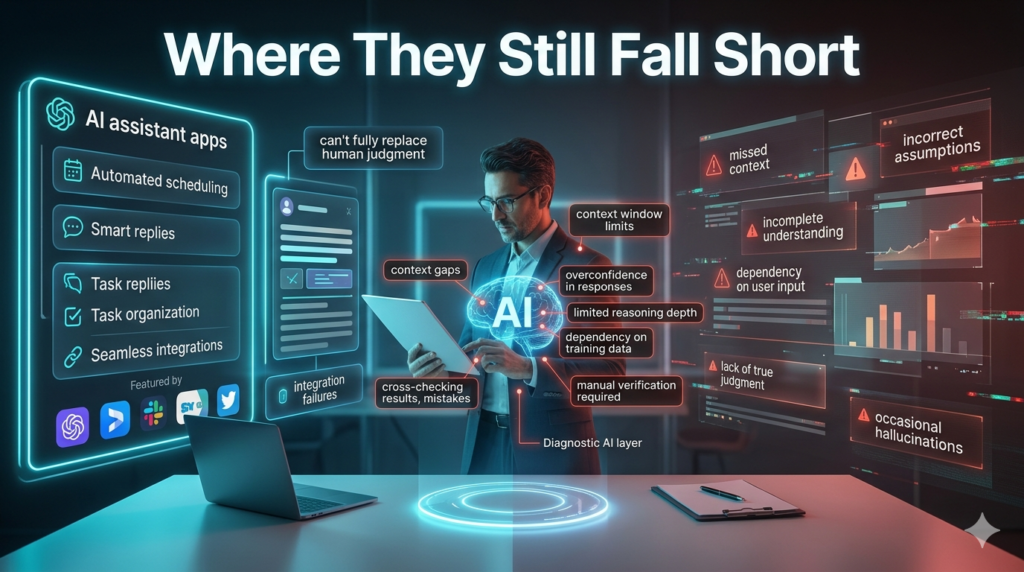
Accuracy is the big one. AI assistants can and do make things up a phenomenon the industry calls hallucination. They present wrong information with the same confident tone as correct information. If you’re using one for medical, legal, or financial decisions without cross-checking, you’re taking a real risk.
Privacy: is another legitimate concern. What happens to your conversations? Are they used to train future models? Different companies have different policies, and not all of them are transparent. It’s worth reading the fine print before sharing sensitive information with any AI assistant app.
Context limitations: are real too. Most AI assistants don’t remember you between sessions. Every conversation starts fresh. Some tools are adding memory features, but it’s still inconsistent and raises its own privacy questions.
And then there’s the over-reliance problem something I’ve seen in professional settings more than anywhere else. When people start using AI assistants to think for them rather than think with them, output quality drops. These tools are amplifiers, not replacements for critical thinking.
Choosing the Right AI Assistant App
It really comes down to your primary use case. For voice commands and smart home control, Alexa or Google Assistant still make sense. For deep writing and analysis work, ChatGPT or Claude are strong choices. For research with cited sources, Perplexity is worth trying. For Microsoft-heavy workflows, Copilot is worth exploring seriously.
Don’t feel pressured to pick one and commit forever. The landscape is evolving quickly, and what’s best today might be different in six months.
Final Thoughts
AI assistant apps are genuinely useful tools not magic, not dangerous robots, just software that’s gotten remarkably good at certain things. The people who get the most out of them are those who treat them like a knowledgeable but occasionally unreliable colleague: useful to consult, but always worth double-checking.
Used thoughtfully, they save time, reduce friction, and make information more accessible. Used mindlessly, they create new problems. As with most tools, the difference is in how you use them.
FAQs
Q: What is the best AI assistant app for everyday use?
A: Google Assistant and Siri work well for basic tasks on smartphones. For more complex work like writing or research, ChatGPT or Perplexity are stronger options.
Q: Are AI assistant apps safe to use?
A: Generally yes, but avoid sharing sensitive personal, financial, or medical information. Review each app’s privacy policy to understand how your data is handled.
Q: Can AI assistants replace human workers?
A: They can automate routine tasks but lack judgment, emotional intelligence, and accountability. They’re better viewed as productivity tools than replacements.
Q: Do AI assistant apps work offline?
A: Most require an internet connection to function since they rely on cloud-based processing.
Q: Are AI assistant apps free?
A: Many offer free tiers with limited features. Advanced capabilities often require a paid subscription.
Q: How accurate are AI assistant apps?
A: Accuracy varies. They’re strong on general knowledge but can make errors, especially on recent events or specialized topics. Always verify important information.
