
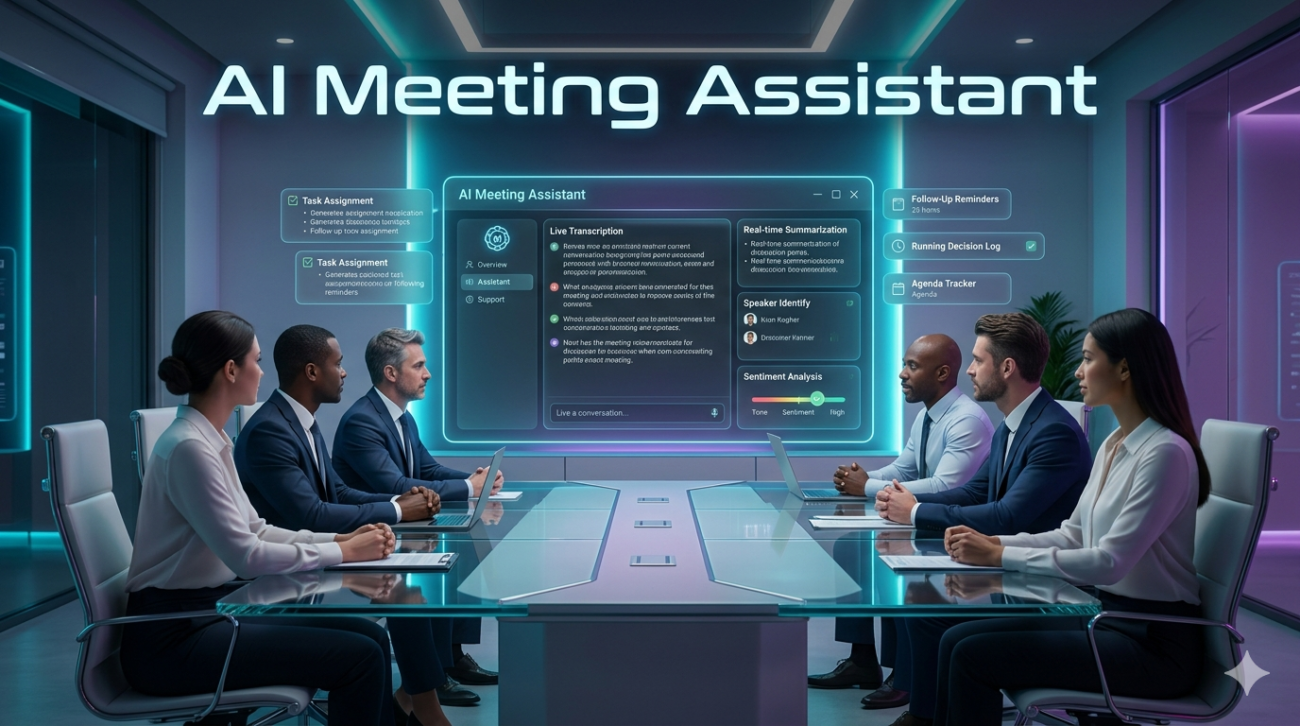
We’ve all been there. You walk away from a ninety-minute strategy call, brain buzzing, coffee cold. Your heart says you captured every crucial detail, but your notebook is a mess of scribbles, and the action items are vague at best. For years, I treated meeting documentation like a chore a tax on productivity. Then came the wave of AI meeting assistants, promising to reclaim our time. After putting several of these tools through their paces over the last eighteen months across different client teams, here is what I’ve learned about using them in the wild.
The Hype Versus the Workflow
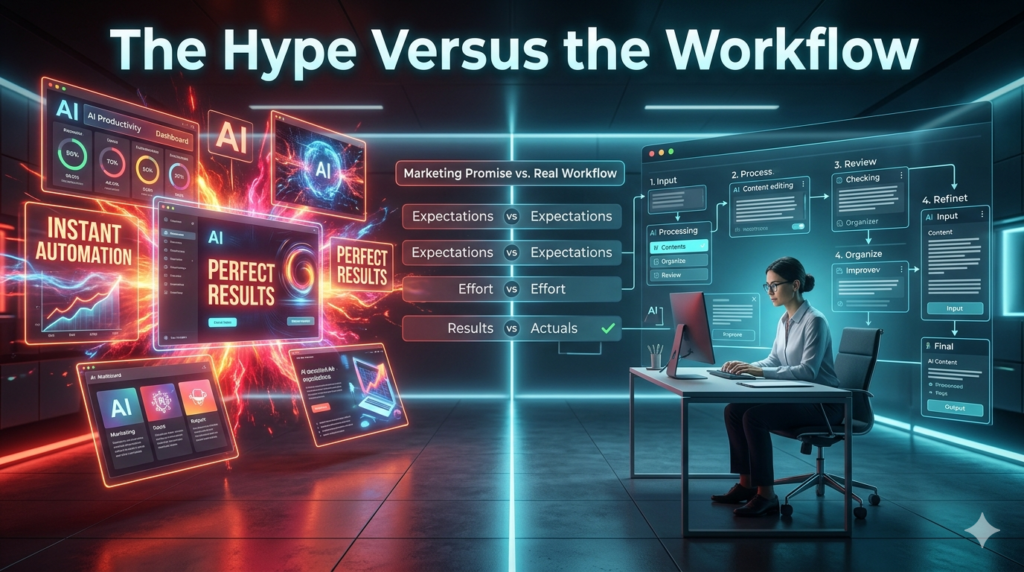
When I first started testing an AI meeting assistant, the promise was simple: record, transcribe, summarize, done. In theory, it’s magical. In practice? It’s better than magic, but it requires a shift in how we run our calls. The biggest immediate win isn’t the transcript itself; anyone can record audio on a phone. It’s the categorization. Good automation distinguishes between the brainstorming chatter and the actual decisions made.
I watched a project manager use one of these tools to pull a timeline out of a messy two-hour sync that had previously taken her three hours to document manually. That’s the sweet spot. However, expecting the tool to understand industry-specific slang or rapid-fire banter is asking too much right now. Context is king, and while natural language processing is improving, nuance often slips through the cracks.
Where the Tech Actually Shines
If you’re wondering whether an AI meeting assistant fits your workflow, look at your pain points. These tools excel in remote-first environments where time zones differ. Imagine sending a recorded recap to a stakeholder in London while your team wraps up in New York. They get the context without needing another call. This asynchronous benefit is where the true ROI lies. I also recommend these for recurring operational meetings.
Weekly stand-ups often have repetitive structures. An AI tool learns this pattern over time, eventually summarizing only the changes rather than reciting the entire history. On the other hand, high-stakes negotiation calls or sensitive performance reviews are different animals. The stakes for error are too high. I advise turning off summaries there or verifying them line-by-line before sharing. Never trust an automated summary implicitly.
The Privacy Elephant in the Room
This is where things get serious, and why I insist on reading the fine print. Deploying an AI meeting assistant introduces data governance challenges you didn’t have five minutes ago. When you invite a bot into a room, you are essentially inviting a third party to listen and store data. In my consulting work, the first rule I set for clients is consent transparency. Don’t hide the recording. State clearly at the start: We are using X to take notes. Most modern tools include a notification tone or chat message, but relying on defaults isn’t enough.
There are compliance nightmares waiting if you accidentally record HIPAA-regulated patient info or financial data meant for board-eyes only. Always configure permissions to restrict access to the final transcript to only those necessary. There is also the human element of trust. People talk differently when they know they are being analyzed. I’ve seen candid brainstorming sessions become sterile because participants felt they were being graded by an algorithm. Balance the efficiency gains with psychological safety.
Making It Stick Without the Friction
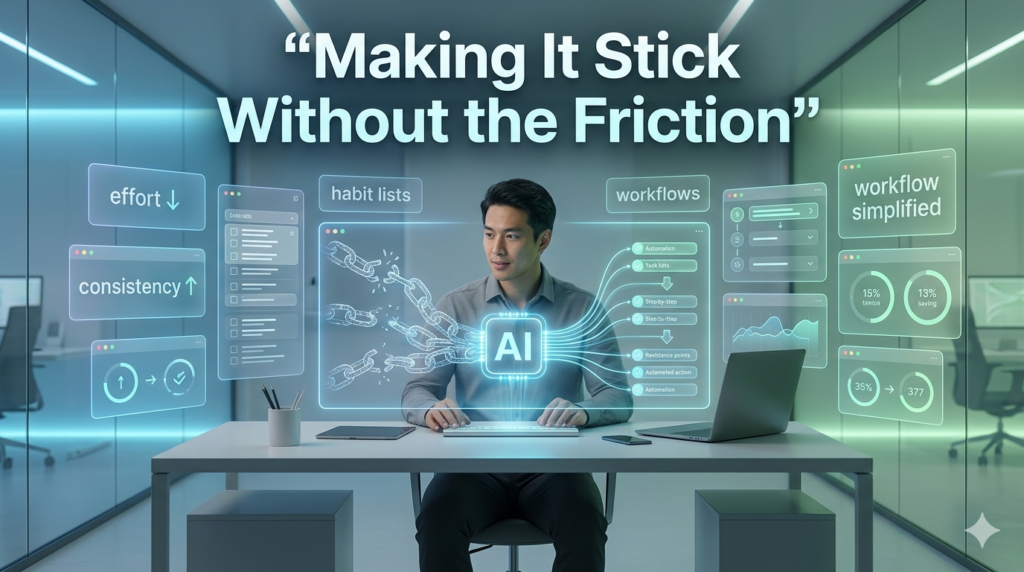
Implementation is usually where projects stall. I once saw a company buy a premium suite of enterprise workspace tools, and nobody used them because the setup was clunky. With AI notes, simplicity wins. The integration needs to live where the meeting happens Zoom, Teams, Google Meet. Start small. Pick one department, maybe Customer Success, where the volume of calls is high but the risk is low. Train them on how to edit the auto-generated notes.
The most effective users aren’t those who blindly accept the output, but those who treat the AI draft as a starting point. Spend thirty seconds polishing the summary rather than half an hour writing it from scratch. That ten-minute difference adds up to weeks of recovered time annually. Also, manage the alerts. Nothing kills productivity faster than getting pinged with twenty meeting summaries instantly. Set up digest schedules. Batch the intake so you can review in blocks.
The Verdict
Is the AI meeting assistant the savior of the modern office? No. It’s a powerful lever, provided you know how to lift it. It won’t replace the need for human attention, active listening, or follow-up accountability. But it will handle the busy work of transcription, allowing us to focus on the thinking parts of the conversation.
If you’re looking to boost workplace efficiency, these tools are currently some of the highest-return investments available for remote teams. Just keep your guard up regarding data security and maintain a habit of human oversight. Technology should serve the conversation, not drive it.
FAQs
Q: Do AI meeting assistants work offline?
A: Most cloud-based solutions require an internet connection to process audio and generate transcripts. Some offer local caching, but full functionality usually depends on server-side processing.
Q: Can they distinguish between speakers?
A: Yes, advanced speech recognition engines attempt speaker dualization (identifying who said what), but accuracy drops if multiple people speak simultaneously or if voices sound similar.
Q: Are the recordings secure?
A: Security varies by vendor. Look for SOC 2 Type II certification and check if they offer encryption at rest and in transit. Always verify their data retention policies.
Q: What if the AI misunderstands a key decision?
A: Always assign a human reviewer. Treat the output as a draft. The cost of correction is low compared to the time saved on initial documentation.
Q: Will this replace human note-takers?
A: It replaces the administrative task of typing, but strategic roles require critical thinking and interpretation that current models cannot fully replicate yet.
