
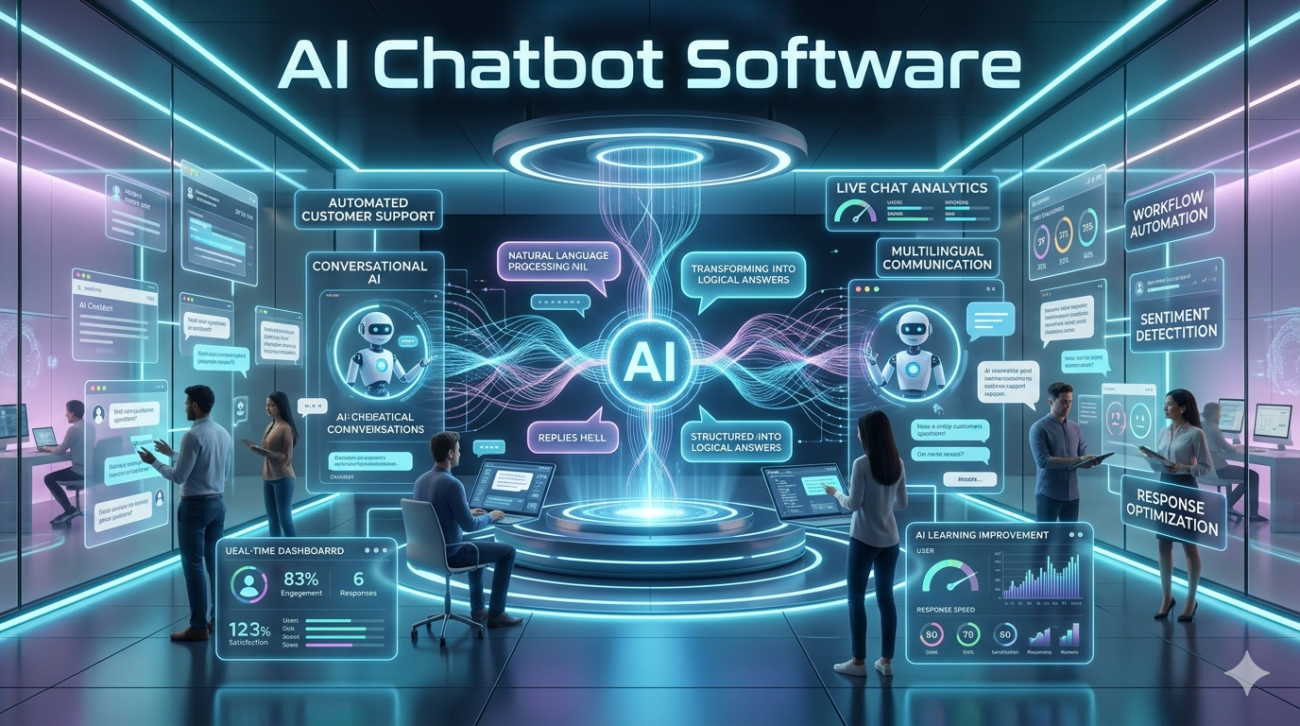
If you’ve spent any time browsing SaaS catalogs, reading tech blogs, or talking to sales reps in the last three years, you’ve almost certainly encountered AI chatbot software. Marketers call it the front-line digital assistant. Developers see it as a bridge between raw language models and real user workflows. Customers especially on e‑commerce sites, support portals, or healthcare portals expect it to just work: answer questions, route issues, and save time.
But here’s the truth no marketing deck ever fully spells out: most AI chatbot software on the market today is over‑promised and under‑delivered. After testing, deploying, and troubleshooting dozens of platforms across retail, finance, and public‑service organizations, one pattern stands out success isn’t about the model size or the AI badge. It’s about how well the system is anchored in real data, human oversight, and business goals.
What “AI Chatbot Software” Actually Is (Beyond the Hype)
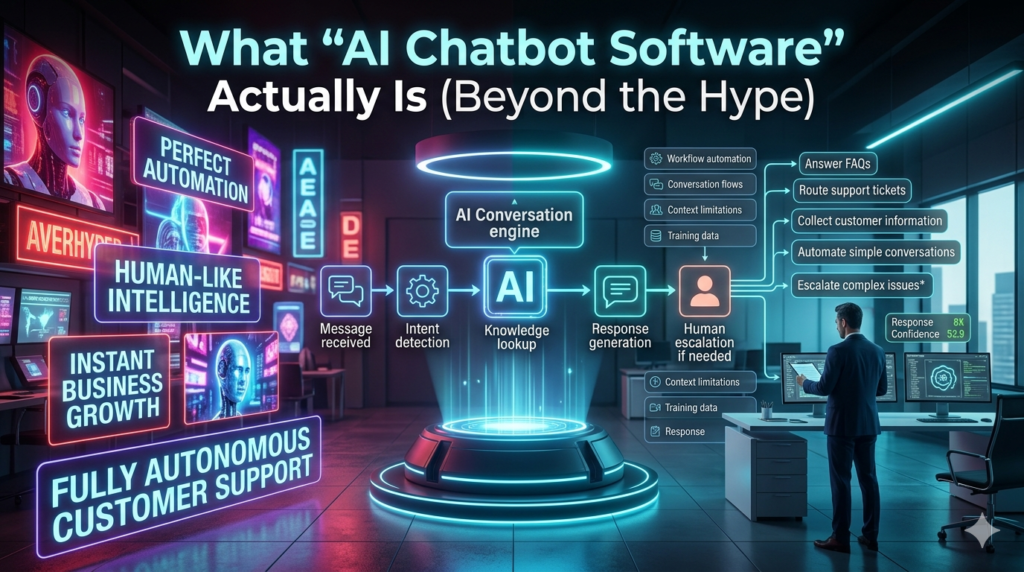
At its core, AI chatbot software is not a magic conversational box. It is a layered system:
- A language model (LM) engine: usually a fine‑tuned variant of GPT, Llama, or a proprietary model responsible for generating natural language.
- A knowledge base / retrieval layer: documents, FAQs, databases, or live APIs the bot can search in real time to ground answers.
- A dialogue manager: the logic that decides when to answer, when to escalate, and how to keep a conversation on track.
- A human‑in‑the‑loop (HITL) interface: where agents review, edit, or take over conversations that drift beyond the bot’s confidence threshold.
Most commercial products bundle these pieces under a single dashboard, but the quality gap lies in how tightly these layers are integrated.
Real‑life example: A regional bank I worked with bought a plug‑and‑play AI chatbot to handle loan‑application queries. The LM was strong, but the retrieval layer only scanned a static PDF of their 2019 policy manual. When a customer asked about new digital‑signature rules (introduced late 2023), the bot guessed and gave legally risky advice. The fix? Replacing the static PDF with a live SQL database connected to the compliance system. After that, accuracy jumped from 58 % to 92 % within two weeks.
The lesson: the knowledge layer is often the bottleneck not the model.
Choosing the Right AI Chatbot Software: A Practical Filter
After evaluating over 30 platforms, I’ve boiled selection down to six non‑negotiable criteria:
a. Data Privacy & Compliance (Critical for 2024+)
Regulations like GDPR, CCPA, and emerging EU AI Act rules mean your chatbot’s data handling must be transparent. Look for:
- On‑premise or private‑cloud deployment options
- No data sent to third‑party training APIs (i.e., “no model fine‑tuning on user data without explicit consent”)
- Clear audit logs for who saw what conversation
Case: A healthcare clinic I advised dropped a popular cloud‑only chatbot because patient chat logs would have left the EU. A self‑hosted, open‑source stack (Rasa + Elasticsearch) became the only compliant route.
b. Custom Knowledge Integration
Can the bot pull from your systems CRM, help‑desk tickets, product catalog, internal wikis without engineering overhead?
Prefer tools with RAG (Retrieval‑Augmented Generation) built in: the bot retrieves relevant passages at runtime, rather than relying solely on pre‑trained general knowledge.
c. Human Handoff & Agent Experience
A chatbot isn’t replacing agents it’s augmenting them. The best software offers:
- One‑click escalation with full conversation context
- Agent dashboard showing intent confidence, suggested replies, and knowledge‑base hits
- Post‑handoff auto‑summary for training
d. Scalability & Latency
E‑commerce sites see traffic spikes (Black Friday, product launches). Your chatbot must handle 500+ concurrent chats without timing out. Test with a load simulation most vendors won’t share real benchmarks.
e. Cost Model That Matches Usage
Many platforms charge per conversation, per token, or per model call. Hidden costs appear when:
- Every user message triggers an LM call (even hi or thanks)
- Knowledge‑base search uses separate API calls
- Fine‑tuning requires extra compute credits
Look for threshold‑based triggering: the bot only calls the LM when confidence < 80 %, otherwise it serves from its knowledge base cutting costs by 40–60 % in real deployments.
f. Documentation & Community
A tool is only as good as its support ecosystem. Check:
- Active GitHub / forum community
- Real example dialogs, not just API specs
- In‑product tutorials with your industry (e.g., “retail checkout flow” vs generic “sample conversation”)
What Actually Works: Three Deployment Patterns I’ve Seen Succeed
Pattern 1: Support First” (Customer Service Heavy)
Use case: E‑commerce, telecom, banking.
Strategy:
- Train the bot on 2–3 years of real ticket data + top 200 FAQs.
- Set confidence threshold at 85 %canything lower routes to a human.
- Feed every human‑handled conversation back into the knowledge base (automatic tagging + summary).
Result (observed after 6 months):
- 34 % of inbound queries resolved without human touch
- Average handle‑time dropped from 4.2 min to 1.9 min
- Agent satisfaction rose (less repetitive work)
Key success factor: continuous feedback loop the bot never stops learning.
Pattern 2: Sales & Lead Qualification” (B2B / B2C)
Use case: SaaS startups, real‑estate agencies, high‑ticket retail.
Strategy:
- Bot collects key intent signals (budget, timeline, use‑case) via guided dialogue.
- When thresholds are met, it schedules a human demo or calls a sales rep with a pre‑written summary.
- Knowledge base = product spec sheets + case studies, updated weekly.
Result:
- Lead‑to‑demo conversion rose 27 %
- Sales reps spent less time on “basic qualifying” and more on closing
Key success factor: structured dialogue trees + dynamic data pull (e.g., pulling pricing from a live API).
Pattern 3: Internal Employee Assistant” (Enterprise)
Use case: Hospitals, universities, large corporations.
Strategy:
- Index internal wikis, HR policies, IT ticket system.
- Allow employees to chat naturally; bot retrieves from multiple sources (wiki + ticket DB + Slack).
- Human handoff goes to the relevant department (IT, HR, finance) with full context.
Result:
- Internal query resolution time fell from 11 minutes to 3 minutes
- IT ticket volume dropped 18 % (many issues solved before ticket creation)
Key success factor: multi‑source retrieval + role‑based access control (so doctors don’t see finance policies, etc.).
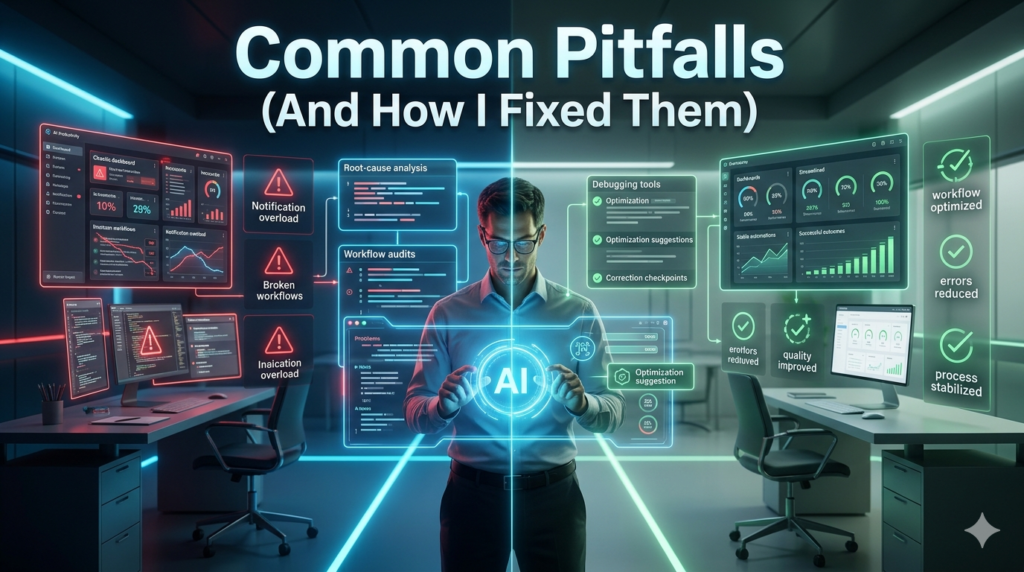
Common Pitfalls (And How I Fixed Them)
| Pitfall | Why It Happens | Real Fix |
|---|---|---|
| Over‑reliance on generic LLMs | Vendors pitch “state‑of‑the‑art” models but ignore domain specificity. | Fine‑tune on your data (at least 2 000–5 000 labeled dialogues). |
| Poor intent classification | Too many generic intents (“other”, “unknown”). | Enforce a hierarchical intent schema: e.g., billing > invoice > missing_document. |
| No escalation logic | Bot keeps guessing beyond its competence. | Set confidence thresholds + explicit “talk to human” keyword trigger. |
| Static knowledge base | Content never updated → answers become wrong over time. | Automate weekly sync from CMS, CRM, or API; add version control. |
| Ignoring tone & brand voice | Generic model replies sound robotic or inappropriate. | Use style‑guide prompts + human review of 10 % sample conversations weekly. |
Ethical & Trust Considerations (Non‑Negotiable)
In 2024, users especially B2B and public‑sector care deeply about transparency:
- Disclose when you are talking to a bot. No hidden “AI” labels after the fact.
- Show confidence scores (e.g., “I am 76 % sure…”) so users know when to doubt.
- Avoid hallucinated citations. If the bot invents a policy number or legal clause, it erodes trust permanently.
- Data ownership: Users should know their chat log can be deleted on request and the system must honor it.
I’ve seen organizations lose customer trust after a single hallucinated medical advice or financial guarantee. The fix: every high‑risk answer route must pass a human safety filter before being sent.
The Future (2024–2026) What to Watch
- Multi‑modal chatbots: integrating images, voice, and documents (e.g., a user uploads an invoice → bot extracts data and answers).
- Agentic workflows: bots that don’t just answer but trigger actions (book appointments, update CRM, generate contracts) with digital signatures.
- Regulatory fine‑tuning: EU AI Act and U.S. state laws will force more on‑premise or federated‑learning options choose vendors already adapting.
- Cost compression: as RAG and local fine‑tuning mature, cloud‑only giants are losing edge to lightweight, open‑source stacks.
The trend isn’t “more AI” it’s smarter integration with real business systems.
FAQs
Q: Do I need a large company to afford good AI chatbot software?
A: No. Many mid‑tier SaaS platforms (e.g., Buttress, Lang Chain‑based stacks, or commercial RAG‑enabled tools) scale from a few hundred to hundreds of thousands of chats. The key is matching cost model to actual usage, not revenue size.
Q: Can a chatbot fully replace human agents?
A: Not yet and probably not soon. Chatbots excel at routine, fact‑based queries. Complex empathy, negotiation, or regulated advice still require humans. The winning model is augmentation, not replacement.
Q: How much training data do I really need?
A: A minimum of 2 000–5 000 high‑quality, labeled conversations in your domain yields meaningful fine‑tuning. Below that, you’re better off with a strongly configured retrieval‑only system and heavy human handoff.
Q: What’s the biggest performance killer?
A: A poorly maintained knowledge base. If the bot can’t find accurate, up‑to‑date information, even the most advanced LLM will keep guessing. Schedule automatic syncs and weekly human audits.
Q: Is on‑premise always more private?
A: Usually, yes especially for health, finance, or government data. But some cloud providers now offer private‑cloud or air‑gapped instances with SOC 2 / ISO 27001 certification; evaluate their audit docs before assuming on‑premise is the only safe route.
