
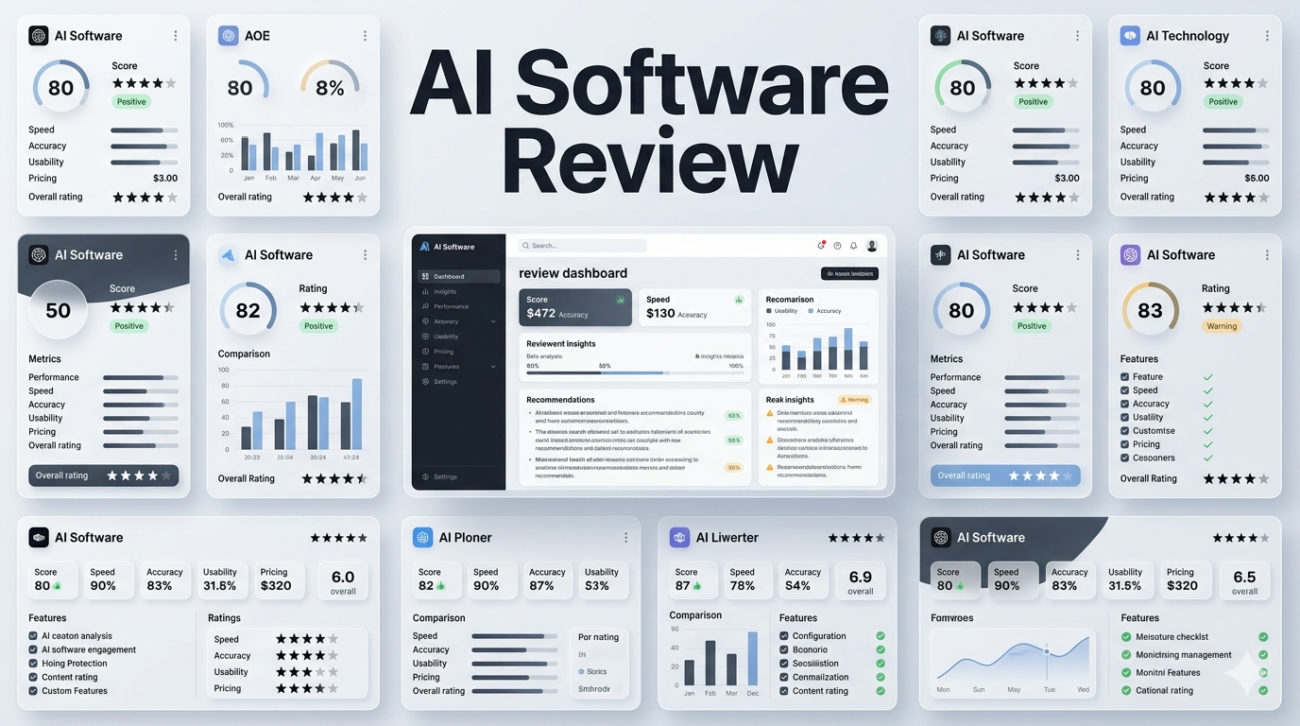
I’ve been writing professionally for over fifteen years, and the last three have felt like living through a quiet revolution. What started as occasional experiments with early chatbots has become a daily reliance on a whole ecosystem of AI software that handles everything from brainstorming to final polishing. This isn’t hype it’s the result of hundreds of hours testing tools across real projects: client campaigns, long-form articles, research deep dives, and even personal creative work.
In this AI software review, I’ll walk you through what actually delivers value right now, where the limitations still bite, and how to choose tools that fit your specific needs rather than chasing every new release.
The Current Landscape: Beyond the Hype
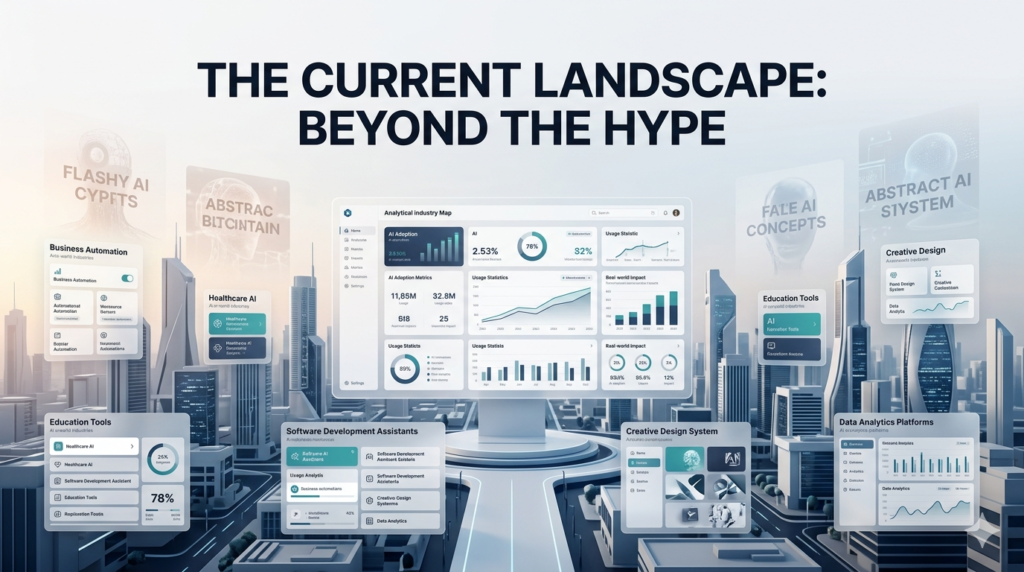
AI software today falls into a few practical categories that matter for most professionals: conversational intelligence, content generation, creative media, coding assistance, and workflow automation. The best tools don’t try to do everything; they excel at one thing and integrate cleanly with the others. The conversational heavyweights ChatGPT (especially GPT-4o), Claude 3.5 Sonnet, and Google’s Gemini have matured significantly this year. I’ve used all three extensively, often switching between them for the same project to compare outputs. Claude has become my go-to for thoughtful, nuanced writing.
When I needed to restructure a 5,000-word industry analysis last month, Claude understood the overall argument better than any other model I’ve tried. It suggested logical improvements that felt like they came from an experienced editor rather than a pattern-matching machine. The new “Artifacts” feature, where it creates editable previews of documents or code right in the chat, has cut my revision time dramatically.
Creative Tools: Where the Magic (and Frustration) Happens
For visual work, Mid journey remains the king for artistic concepts, though Adobe Firefly has closed the gap considerably for professional use. The difference is consent and control. Firefly’s training on licensed content means I can actually use the outputs in client deliverables without legal headaches. When designing thumbnails for a YouTube series, Firefly’s integration with Photoshop let me generate, refine, and composite in one workflow something that still feels clunky in Mid journey’s Discord-based interface.
Runway ML and Pika have made video generation viable for quick social content. I created a 15-second explainer animation last week that would have cost $800 with a freelancer. The result wasn’t Oscar-worthy, but it was good enough for LinkedIn and took twenty minutes instead of two days.
Coding and Productivity Assistants
As someone who isn’t a professional developer but needs to build simple tools and automate workflows, GitHub Copilot and Cursor have been game-changers. Cursor, in particular, feels like having a pair programmer who actually understands the entire project context. I rebuilt a clunky content calendar system in Notion using Cursor’s help, and the AI suggested optimizations I wouldn’t have spotted.
For pure productivity, Notion AI and Perplexity have earned permanent spots in my stack. Perplexity’s strength is its sourced answers every response includes citations, which has saved me hours of verification time. Notion AI excels at turning messy notes into structured databases and meeting summaries.
The Real-World Testing Process
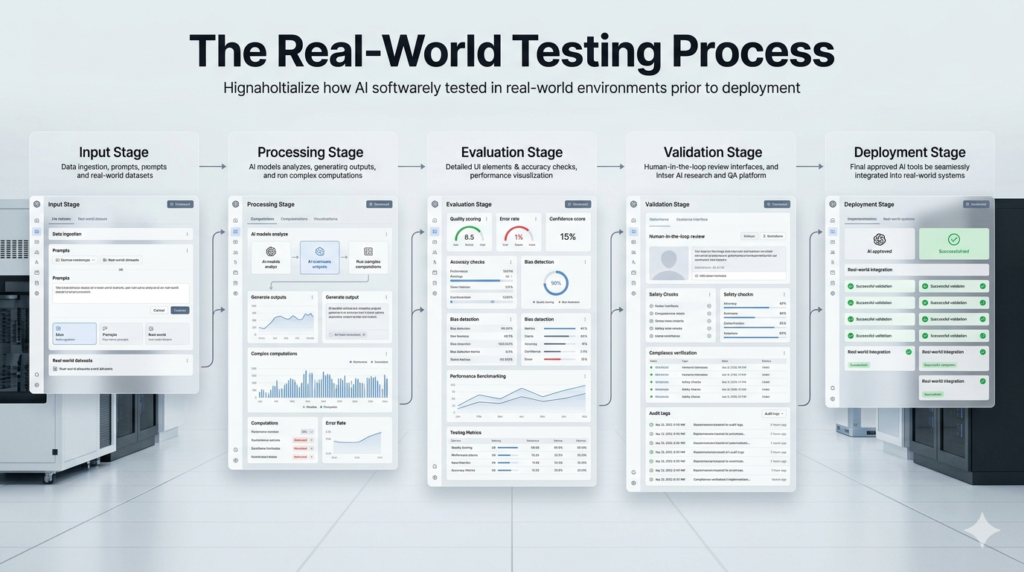
I don’t just play with these tools. My evaluation method is brutally practical. For every new AI software, I run it through three scenarios:
- A complex writing task with specific style requirements
- A research project requiring synthesis of current information
- A creative task outside my core expertise
This approach quickly reveals which tools are genuinely helpful versus those that produce impressive demos but fall apart under pressure. The limitations are consistent across most platforms. Hallucinations still happen, especially with recent events or niche industry knowledge. Context windows have improved dramatically, but truly long-term memory across sessions remains elusive. Privacy concerns are legitimate I’ve become much more selective about what sensitive client information I feed into these systems.
Cost is another reality check. The power users among us are often running multiple subscriptions: $20 for ChatGPT Plus, $20 for Claude Pro, Midjourney’s plans, and various smaller tools. It adds up quickly. I’ve found that focusing on two or three core tools and using the others strategically keeps things manageable.
Ethical Considerations from Someone Who Uses These Tools Daily
After depending on AI software for real income-generating work, I’ve developed strong opinions about responsible use. These tools are incredible amplifiers, but they’re not replacements for human judgment. The writers and creators who will thrive are those who use AI as a collaborator rather than a crutch. Training data transparency remains a murky area. While companies like Anthropic and Open AI have made strides in explaining their approaches, we still don’t have full visibility.
I make a point to diversify my sources and always verify critical facts. The job displacement conversation is real but nuanced. In my experience, AI software has made me significantly more productive, allowing me to take on more ambitious projects rather than replacing the need for my skills. The writers struggling most seem to be those treating AI as a shortcut rather than a tool.
How to Choose the Right AI Software for You
Start with your actual pain points. If you’re spending too much time on research, prioritize Perplexity or Gemini. If creative ideation is your bottleneck, experiment with Claude and Mid journey. Need to produce video content quickly? Look at Runway or Descripts Overdub features. Consider integration with your existing workflow. The best tool is useless if it creates more friction than it removes.
Test the free tiers thoroughly before committing to paid plans. Pay attention to update frequency. The field moves so quickly that a tool that’s mediocre today might be excellent in three months. I maintain a simple spreadsheet tracking major releases and my experience with each.
Looking Ahead
The next wave is already visible. Agentic AI systems that can take complex goals and execute multi-step processes autonomously is moving from demo to practical application. We’re also seeing better specialization, with models trained for specific industries rather than trying to be everything to everyone.
Smaller, more efficient models that run locally are gaining traction too, addressing both privacy concerns and costs. Tools like those built on Llama 3.1 show that you don’t always need massive cloud infrastructure for impressive results.
Final Thoughts
After extensive hands-on experience, my conclusion is straightforward: AI software has moved past the “wow” phase into genuine utility. The difference between professionals who benefit and those who get frustrated usually comes down to realistic expectations and strategic implementation. These tools won’t write your next masterpiece or solve your business problems automatically. But used thoughtfully, they can eliminate drudgery, spark better ideas, and give you the space to focus on what humans still do best bringing genuine insight, emotion, and originality to your work.
The key is staying curious but skeptical, experimenting constantly while maintaining your own voice and standards. In a world flooded with AI-generated content, the most valuable work will come from those who master these tools rather than being mastered by them.
FAQs
Q: What is the best AI software for writing?
A: Claude 3.5 Sonnet currently edges out the competition for long-form writing due to its thoughtful reasoning and excellent structure suggestions. GPT-4o is a close second for speed and versatility.
Q: Are AI tools worth the monthly subscription cost?
A: For most professionals, yes if you’re using them to save significant time or enhance output quality. Track your time savings for two weeks to make an informed decision.
Q: Which AI image generator is best for professional use?
A: Adobe Firefly for commercial work where licensing matters. Mid journey for pure creative exploration and artistic concepts.
Q: How do you avoid AI detection in your content?
A: Focus on heavy human editing, adding personal experiences, specific examples from your expertise, and your unique perspective. The goal isn’t to hide the tool use but to ensure the final result sounds authentically human.
Q: Is it safe to put sensitive information into AI software?
A: Be extremely cautious. I never input confidential client data or anything that could cause harm if leaked. Use local models or enterprise versions with strong privacy guarantees when possible.
