
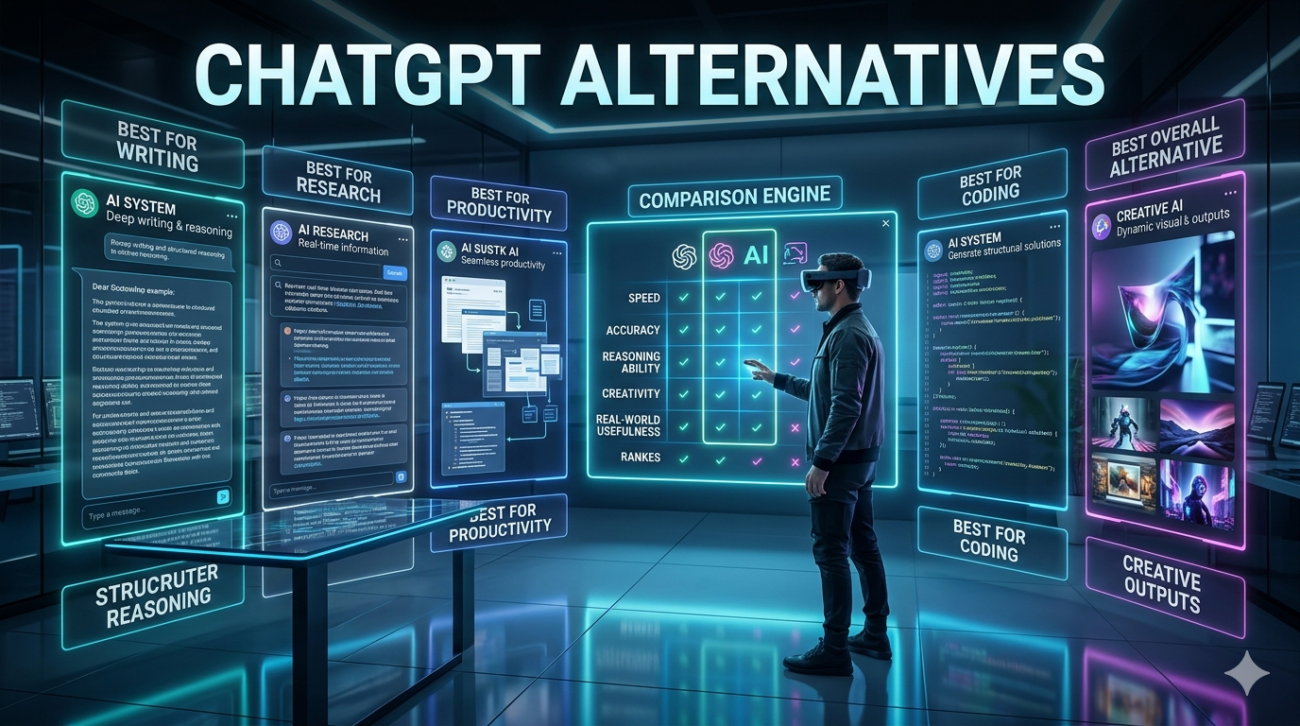
Last month, a client asked me to help their legal team find an AI tool that wouldn’t hallucinate case law. Another friend running a small bakery wanted something to generate Instagram captions that actually sounded like her. And my own teenage daughter? She needed homework help that wouldn’t get her flagged by her school’s AI detector. Same question, three completely different answers. That’s when I realized most ChatGPT alternative articles are useless they recycle spec sheets without telling you what actually works in the wild.
I’ve spent the last eight months using these tools daily across client projects, personal experiments, and real business workflows. Not just running a few test prompts, but building actual systems around them. Here’s the unfiltered reality of what’s worth your time.
Why “Good Enough” Isn’t Cutting It Anymore
ChatGPT is the Toyota Camry of AI chatbots reliable, everywhere, does most things okay. But sometimes you need a pickup truck, sometimes you need a motorcycle. The context window limitations still drive me crazy when I’m analyzing 200-page technical documents. The knowledge cutoff, even with browsing, means it misses recent platform updates that my software development clients desperately need.
And let’s be honest: that professional tone gets so boring you can spot it a mile away. The alternatives aren’t just copies with different logos. They’re fundamentally different animals with personalities, blind spots, and superpowers that ChatGPT simply doesn’t have.
The Heavy Hitters: What Each One Actually Excels At
Claude: When You Need a Research Partner, Not a Parrot
Anthropic’s Claude (I use the Pro version) has become my go-to for anything requiring deep analysis. Last week, I fed it a 150-page municipal zoning code and a developer’s site plan. Not only did it catch a setback requirement everyone missed, it cross-referenced three different sections and explained the logic in plain English. ChatGPT would have tapped out after 50 pages. The constitutional AI approach isn’t just marketing fluff. I’ve noticed it pushes back more often Are you sure you want to phrase it that way? or That approach might have ethical concerns.
For my healthcare clients dealing with patient data, this built-in skepticism is invaluable. It’s like working with a meticulous paralegal who actually reads the footnotes. But here’s the catch: Claude can be painfully slow on complex tasks, and its creative writing feels… sterile. I asked it to write a compelling fundraising email and got something that read like a Wikipedia article. Great for analysis, terrible for emotion.
Gemini: The Google Ecosystem Mafia
If you’re already living in Google’s world, Gemini Advanced feels less like an alternative and more like the feature Google Workspace should have included years ago. I was drafting a presentation in Slides and could pull live data from my Drive files without the copy-paste dance. For my e-commerce client, we used it to analyze Search Console data and generate product descriptions simultaneously something that would normally require three tools.
The multimodal capabilities are legitimately next-level. I photographed a competitor’s store layout, and Gemini not only described it but suggested improvements based on retail traffic flow principles. However and this is a big however its creative consistency is maddening. One day it writes like a seasoned copywriter, the next it sounds like a freshman marketing student. I still haven’t figured out what triggers the quality swings.
Perplexity AI: Killing the “Source?” Comment Thread
For my journalist friends and academic clients, Perplexity is a revelation. It doesn’t just give answers; it gives receipts. Every claim comes with a citation you can actually click and verify. I used it to research EU AI Act implications for a client expanding to Europe, and the source list saved me three hours of manual fact-checking.
The Pro version’s “Focus” feature lets you search specifically within academic papers, Reddit threads, or even Wolfram Alpha for calculations. But fair warning: it’s a research tool, not a creation tool. Asking it to write a persuasive sales page is like asking a librarian to do stand-up comedy. Wrong tool for the job.
The Specialists: Niche Tools That Punch Above Their Weight
Grok (the xAI one) is what I use when I need real-time information with personality. Monitoring Twitter trends for a crisis communications client last month, Grok picked up on a narrative shift three hours before traditional social listening tools. The “fun mode” is hit-or-miss, but its ability to process live data is unmatched. Just don’t expect nuance it’s the AI equivalent of a loud friend at a bar who’s always up-to-date but occasionally wrong.
Pi from Inflection AI is… weird. In a good way. It remembers conversations across weeks and checks in on you. I tested it as a personal coach for a month, and it actually followed up on my goals. The downside? It’s so focused on being helpful and safe that it refuses to do anything even remotely edgy. I needed it to role-play a difficult client negotiation, and it kept defaulting to “let’s find a win-win!” Great for mental health support, useless for hardball business prep.
For the privacy-obsessed, Mistral’s open-source models (run locally) are becoming viable. A fintech startup I advise runs Mistral 7B on their own servers for customer service. It’s not as capable as the big players, but for their use case handling routine account questions it costs 80% less and keeps data in-house. The trade-off is you’ll need someone who actually understands model fine-tuning, which most small businesses don’t have.
The Decision Framework I Actually Use
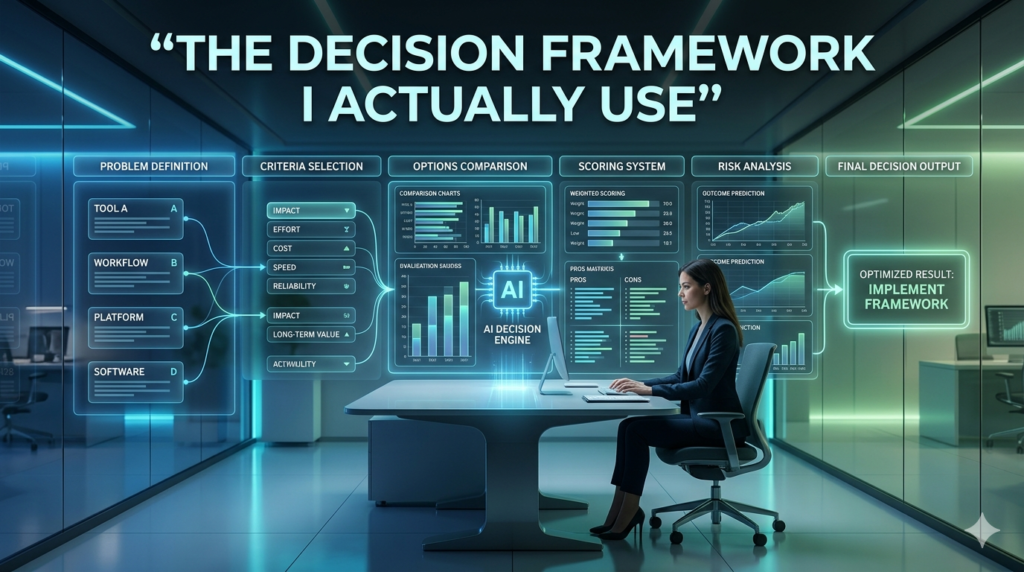
Stop asking which is best? Start asking best for what?
If budget is zero: Google’s Gemini free tier gives you the most capabilities without a credit card. Claude’s free tier is too limited for real work.
If you’re writing marketing copy: I rotate between Gemini and ChatGPT, but I spend more time editing ChatGPT’s output. Gemini’s variations are more natural, but you need to generate 3-4 options to find the gem.
If you’re in a regulated industry: Claude Pro is worth every penny. The paper trail and conservative approach save you from compliance nightmares.
If you live on your phone: Pi’s app is the most conversational and least battery-draining. It feels like texting a brilliant friend rather than querying a database.
If you need to cite sources: Perplexity, full stop. I won’t let my research assistants use anything else now.
The Ethical Minefield No One Talks About
Here’s what keeps me up at night: most companies are building their workflows on tools they don’t control and barely understand. Last quarter, a client’s entire content pipeline broke when OpenAI changed their API pricing. Another had to scramble when a model update suddenly made their prompt engineering obsolete. The environmental cost is real. Running these queries isn’t free Claude’s longer responses use significantly more compute.
I’ve started batching my analysis requests and using smaller models for simple tasks. It’s not just about cost; it’s about not being wasteful. And those AI detectors? They’re basically snake oil. I’ve seen Claude’s writing flagged as AI while ChatGPT’s passed. The real solution is having a human editing voice, not chasing some detection score.
What’s Coming Next (And Why You Should Care)
The multimodal race is heating up, but I’m more interested in the agentic capabilities. Gemini’s upcoming Projects feature promises to maintain context across thousands of interactions basically a persistent AI coworker. Claude is doubling down on their 200K+ context window, which for my legal and academic clients is game-changing.
But the most interesting development is the rise of composite systems. I’m now using Perplexity for research, Claude for analysis, and Gemini for creative execution all orchestrated through Make.com scenarios. The future isn’t one AI to rule them all; it’s a toolbox where you grab the right screwdriver for each screw.
FAQs
Q: Is Claude really better than ChatGPT for long documents?
A: Yes, but only if you’re on Pro. The free version’s limits make it impractical. For anything over 50 pages, Claude’s context window is a legitimate superpower.
Q: Can any of these actually replace Google Search?
A: Perplexity comes closest for research, but none are good for local business hours or quick facts. I use them to analyze search results, not replace searching.
Q: What’s the cheapest way to get quality AI help for a small business?
A: Gemini Advanced at $20/month gives you the best bang for buck. Pair it with the free version of Perplexity for fact-checking. Skip the API costs until you’re scaling.
Q: Do I need to worry about my data with these tools?
A: Yes. Assume anything you type is being used for training unless you pay for enterprise tiers. For sensitive work, use local open-source models or Claude’s more transparent data policy.
Q: Which one is best for coding?
A: It depends on your stack. Gemini excels at newer frameworks, Claude is better at understanding legacy codebases, and GitHub Copilot (powered by OpenAI) still wins for inline suggestions.
Q: How often should I switch tools?
A: Don’t switch add. I keep 3-4 in my rotation and grab the right one like you’d grab a specific kitchen knife. Each excels at different tasks.
