
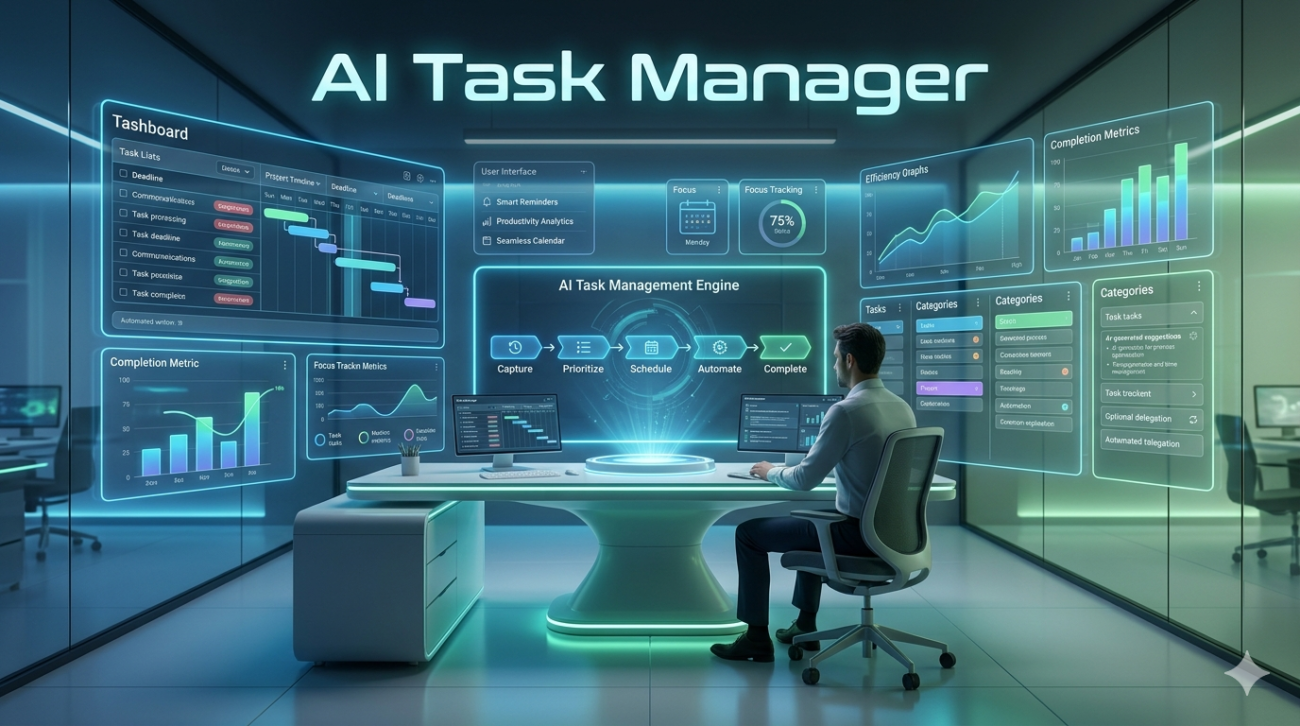
My relationship with to-do lists has always been… complicated. For years, my desk was a graveyard of well-intentioned notebooks, my phone cluttered with apps, each promising to be the one. They’d start as pristine lists of ambition and inevitably devolve into digital guilt-trips long scrolls of overdue tasks that did more to raise my cortisol than my productivity. The fundamental problem, I realized, wasn’t the list itself. It was the fact that the list was dumb.
It had no concept of context, no understanding of my energy levels, and no ability to distinguish between a five-minute email and a five-hour project. It was just a static record of my obligations. That’s what led me down the rabbit hole of what we’re now calling AI task managers. And after spending the better part of two years integrating them into my workflow, I can tell you this: they represent a genuine paradigm shift in how we manage not just our tasks, but our focus and energy.
What is an AI Task Manager, Really?
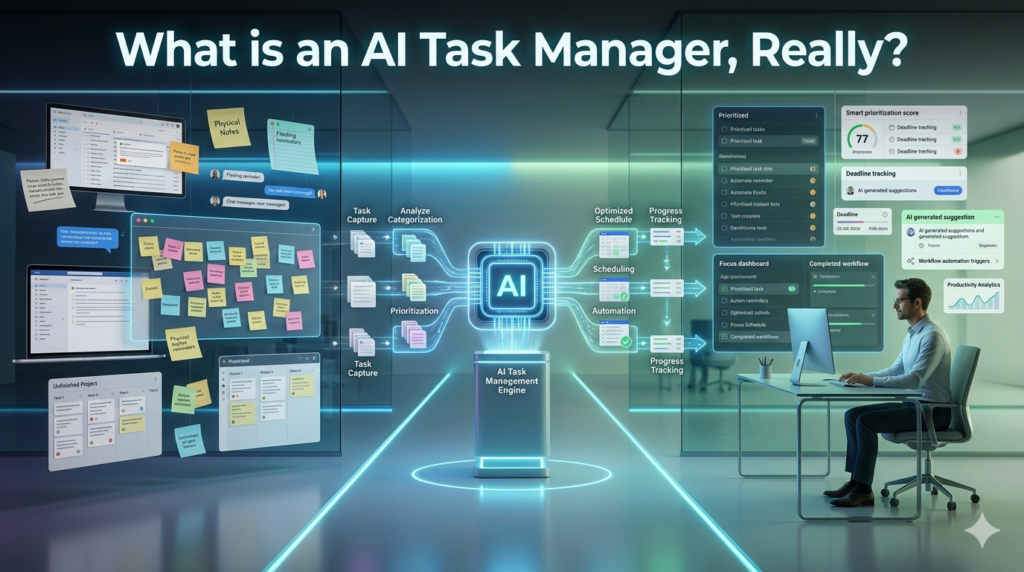
Let’s get one thing straight. This isn’t about a robot overlord dictating your day. A true AI task manager isn’t just a digital checklist with a fancy algorithm. Think of it less like a notepad and more like a junior personal assistant one that’s constantly learning. A traditional task manager is a passive system. You input “Write Q4 report,” and it sits there until you check it off.
An intelligent task manager does more. When you input Write Q4 report, it might:
- Cross-reference your calendar and see you have meetings all morning.
- Recognize that report writing is a high-focus task you prefer to do in the afternoon.
- Notice the due date is Friday and automatically block out a two-hour focus session on your calendar for Wednesday.
- Scan your emails, find the one from your boss with the report data, and link it directly to the task.
The AI part is the engine that connects these dots, moving beyond simple reminders to offer proactive, contextual assistance. It’s about automating the administrative overhead of productivity so you can focus on the actual work.
The Core Pillars of an Intelligent To-Do List
From my hands-on experience, the magic of these tools boils down to a few key features that work in concert.
1. Dynamic Prioritization: This is the headline act. Instead of you manually dragging tasks into High, Medium, and Low priority buckets, the AI does it for you based on a host of signals. It looks at deadlines, sure, but it also learns from your behavior. It might notice you always knock out small, administrative tasks first thing in the morning to build momentum. Over time, it will start suggesting you Reply to client emails at 9 AM and save Draft project proposal for 2 PM, when your focus is typically highest.
A real-world example from my own work: I was juggling a major website launch, client communications, and content creation. A traditional list would have just shown three massive projects. My AI-powered tool broke it down. It saw the launch date was imminent and prioritized tasks with dependencies first. It flagged an urgent client email I’d missed and slotted Reply to Sarah above Brainstorm blog ideas, because it understood the time-sensitivity and relationship context from my communications. It reduced my cognitive load from What do I do next? to simply Okay, this is next.
2. Natural Language Processing and Task Parsing: This is where it starts to feel like magic. You can forward an email that says, Hey, can you get me the stats for the campaign by Thursday? and the tool will automatically create a task: Get campaign stats, with a due date of this coming Thursday. It pulls tasks from Slack messages, meeting transcripts, and other inputs, saving you the tedious step of manual entry. It’s a small thing, but the cumulative time saved is staggering.
3. Intelligent Scheduling and Time Blocking: For me, this was the feature that truly closed the loop. Many AI task managers integrate deeply with your calendar. They don’t just list your tasks; they find a home for them. This practice, often called time blocking, is a well-known productivity hack, but it’s historically been a manual, time-consuming process.
These tools automate it. They look at your task list and your calendar’s free space and build a realistic plan for the day. And it’s not static. If an unexpected meeting pops up, the schedule fluidly rearranges itself, reprioritizing and moving tasks around without you having to stress. It turns your calendar from a record of appointments into a strategic plan for your day.
The Unvarnished Truth: Limitations and Ethical Considerations
Now, let’s be realistic. It’s not a perfect utopia of automated productivity. My experience has also highlighted some significant limitations and things to watch out for.
- The “Black Box” Problem: Sometimes the AI will prioritize tasks in a way that seems utterly bizarre. You might wonder why it thinks you should call the dentist instead of finishing a critical presentation. While it’s usually learning from some hidden data point, the lack of transparency can be frustrating. You have to be willing to trust the system, but also know when to override it.
- The Risk of Over-Reliance: There’s a danger of outsourcing your executive function entirely. The ability to prioritize and plan is a critical skill. If you rely too heavily on an AI to do all the thinking, you might find that skill atrophies. The goal is augmentation, not replacement.
- Privacy is Paramount: This is the big one. For an AI task manager to be effective, you have to give it access to your email, your calendar, your messaging apps. You are feeding a third-party system an incredible amount of personal and professional data. Before you adopt any tool, you must read its privacy policy. Where is your data stored? Is it encrypted? Is it used to train models for other users? For this reason, I am extremely selective and tend to favor tools with strong, transparent privacy-first stances.
Is an AI Task Manager Right for You?
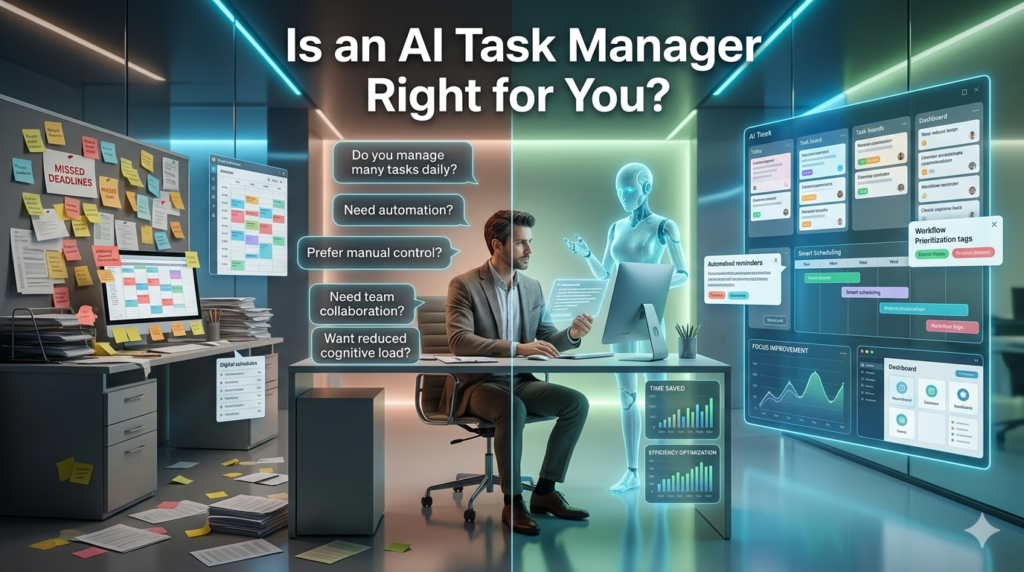
After years of living with these tools, I believe they are the future of personal productivity. But they aren’t for everyone. If you’re a person who feels constantly overwhelmed, suffers from decision fatigue about what to work on next, and lives inside a digital ecosystem (email, calendar, Slack, etc.), you are the prime candidate. The relief of having a system proactively organize the chaos is profound. However, if you have a relatively simple workflow or major privacy constraints (e.g., working in a highly regulated industry), the benefits might not outweigh the risks and complexity.
My advice is to start small. Choose a reputable tool with a free trial and a clear privacy policy. Connect just one account, like your personal email, and see how it feels. Don’t expect it to change your life on day one. It needs a week or two to learn your patterns. But stick with it, and you might just find that your to-do list finally transforms from a source of anxiety into a genuine partner in productivity.
FAQs
Q: What’s the main difference between an AI task manager and a regular to-do list app?
A: A regular to-do list is a passive, static list you manage manually. An AI task manager is a proactive system that automatically prioritizes tasks, schedules them on your calendar, and pulls them from your emails and messages based on context.
Q: Are AI task managers actually effective?
A: Yes, for the right user. They are most effective for people who are overwhelmed by many tasks and inputs. By automating scheduling and prioritization, they reduce decision fatigue and help you focus on high-impact work.
Q: Is it safe to give these apps access to my work email and data?
A: This is a critical concern. You must carefully vet the tool’s privacy policy and security measures. Choose companies that are transparent about data handling and offer strong encryption. For highly sensitive work, you may need to avoid tools that require deep data access.
Q: How long does it take for an AI task manager to become useful?
A: There’s a learning curve for the AI. Expect it to take 1-2 weeks of consistent use for the tool to learn your work patterns, communication style, and priorities before it starts making truly insightful suggestions.
Q: Can an AI task manager help manage my team’s projects?
A: Many modern AI-powered project management tools are designed for teams. They can help assign tasks based on workload, flag dependencies between team members, and automatically generate progress reports, moving beyond individual productivity to enhance team collaboration.
